


Aydınlatma metni yükleniyor…
Quote requests, contact enquiries and support messages received through WhatsApp can be valuable inputs for B2B sales teams. Sending every message directly into a CRM without validation, however, can create several contacts for the same person, separate accounts for one company or a new opportunity for a sales process that is already under way. Customer history becomes fragmented, teams may respond to the same enquiry more than once and reporting becomes less dependable.
A reliable WhatsApp–CRM integration should not treat every incoming message as a new customer. It first standardises the available data and searches for matches across phone numbers, email addresses, companies and active sales records. It can then update an existing contact, create a new person, add an activity to an open opportunity or send an ambiguous case for human review. The aim is to connect each enquiry to the right customer, company, owner and commercial process while keeping every decision traceable.
Why are uniqueness checks essential in a WhatsApp–CRM workflow?
The same customer may contact a business on WhatsApp, submit a website form later and speak to another employee on a different day. WhatsApp profile names are not dependable identifiers, while phone numbers may arrive with or without a country code, spaces or punctuation. In B2B sales, several employees can also contact the supplier on behalf of the same organisation. Checking a single field is therefore rarely sufficient.
Uniqueness does not mean forcing every similar-looking person into one record. It means determining the relationship between a new enquiry and existing data through explainable rules. A phone number is a strong identity signal, but numbers can be reassigned or shared. An email address can contain a typo, and company names vary because of abbreviations, punctuation or legal suffixes. A dependable result emerges from assessing these signals together.
- Communication history remains connected to the appropriate contact.
- The risk of opening a second sales record for an active opportunity decreases.
- Customer- and company-level reports become more dependable.
- Existing accounts can remain with their assigned sales owner.
- Teams can audit which rule produced an automated decision.
How should field mapping and data normalisation work?
Begin by mapping the data available from WhatsApp to the CRM data model. Define where the source message ID, sender’s phone number, profile name, timestamp, channel or business line, message type and permitted content summary will be stored. If software extracts a product, location, company or enquiry topic from the message, keep its validation status as a separate field rather than presenting an inferred value as confirmed customer data.
Phone numbers can be stripped of spaces, brackets and hyphens before being converted to a consistent country-code format. Leading and trailing spaces should be removed from email addresses, and domains should be prepared for consistent comparison. Company-name matching may account for capitalisation, punctuation and legal suffixes such as “Ltd” or “Inc”. The original values should still be retained for auditing and correction.
Normalisation is not an aggressive cleaning exercise. Two company names that look similar should not automatically be merged. Store both the source value and the normalised comparison value so that a reviewer can understand the decision later. The system ownership, field definitions and failure behaviour can be scoped as part of Kumsal Agency’s custom web development service, which aligns applications and integrations with actual business processes.
How should exact and possible match rules be separated?
Giving every candidate the same confidence level creates dangerous false merges. Rules should produce outcomes such as “exact match”, “possible match”, “conflicting match” and “no match”. An exact match might rely on a normalised phone number found on one active contact, or on a verified email address and phone number that both identify the same person.
A possible match can be based on weaker signals, including a similar company name, the same corporate email domain, a similar contact name or a different phone number linked to an existing company. Instead of merging records automatically, the interface should show candidate records to an authorised user. If scoring is used, administrators must be able to understand the contributing fields, thresholds and exceptions—not merely see an unexplained number.
| Outcome | Typical evidence | CRM action | Control |
|---|---|---|---|
| Exact match | Unique phone number; matching phone and email | Link to the existing contact | Check for an open opportunity |
| Possible match | Similar company name or email domain | Display candidate records | Request user approval |
| Conflicting match | Phone and email identify different people | Pause processing | Send to the review queue |
| No match | No dependable candidate found | Create a new-record candidate | Validate mandatory fields |
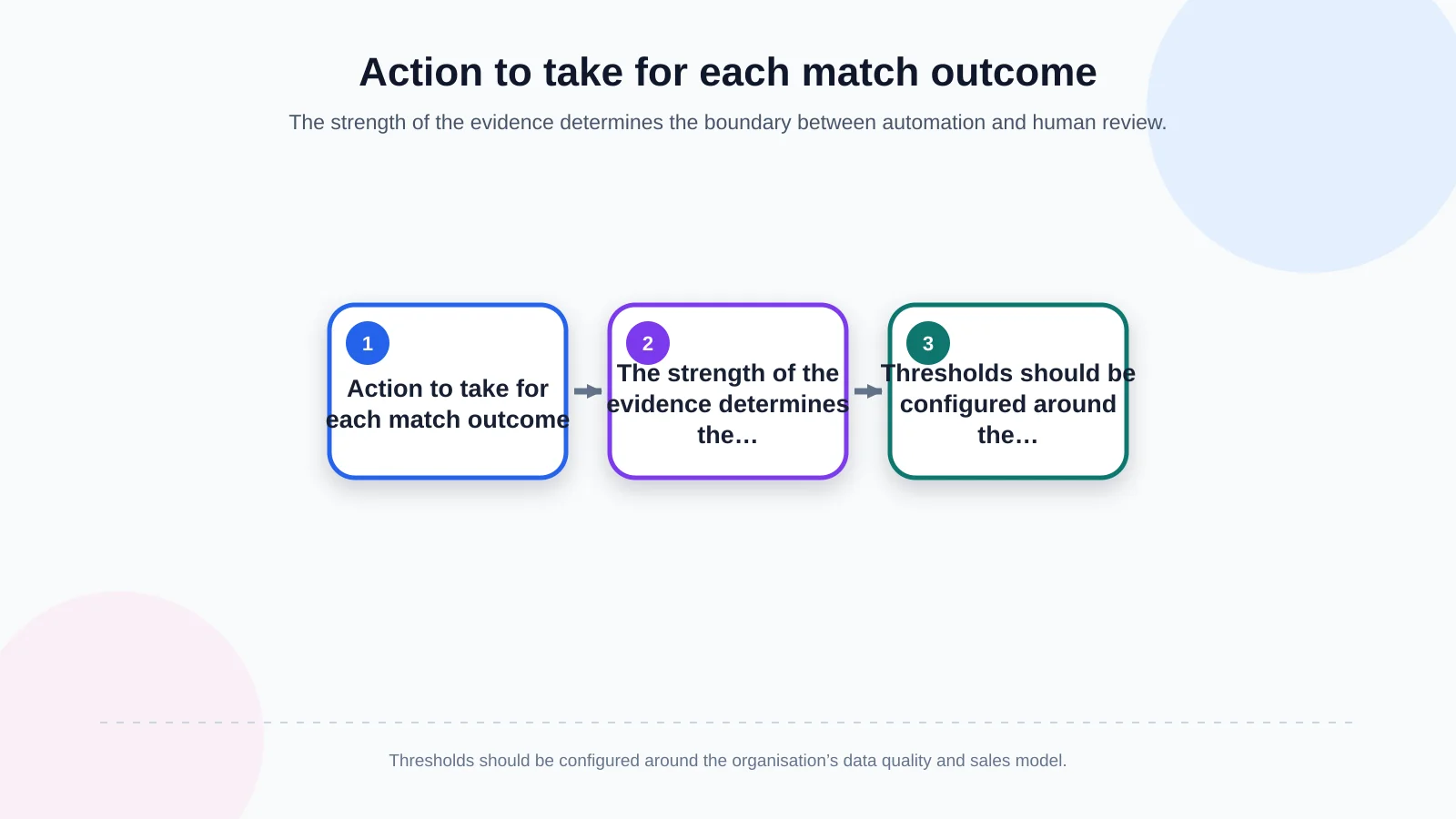
Order of checks for phone, email, company and open records
The best sequence depends on the organisation’s data quality. A practical B2B model first searches for a person using phone and email, then verifies the associated company and finally checks for an open opportunity, quote, support case or pending enquiry relating to the person or company.
- If the phone and email identify the same person, the system can produce a strong match.
- If the phone matches but the email differs, determine whether the email is new information or an error.
- If no person is found but the corporate email domain matches a company, propose adding a new contact to that account.
- If an open opportunity exists for the same subject, add an activity instead of creating another opportunity.
- If signals conflict, place the enquiry in a review queue.
Should an existing record be updated or a new one created?
Finding a match leads to a second decision: which CRM object should receive the enquiry? When an existing contact is identified with high confidence, add the WhatsApp interaction to that person’s timeline. If the message supplies a new email address or job title, store it as unverified information rather than silently overwriting a verified field.
If the person is new but the company already exists, create a contact under the existing account without recreating the company. If neither exists, the workflow may request confirmation of a corporate domain, legal name or tax identifier before creating an account. Company data should not be mandatory for a genuinely individual enquiry.
Opportunity matching requires its own rules. A message about a new product may justify a new opportunity; a question about the status of an existing quote does not. Consider the product or service, time window, current opportunity stage, originating line and existing record owner. Kumsal Agency’s approach to enterprise resource planning and connected business systems can turn these organisation-specific decisions into manageable workflows rather than fixed automation assumptions.
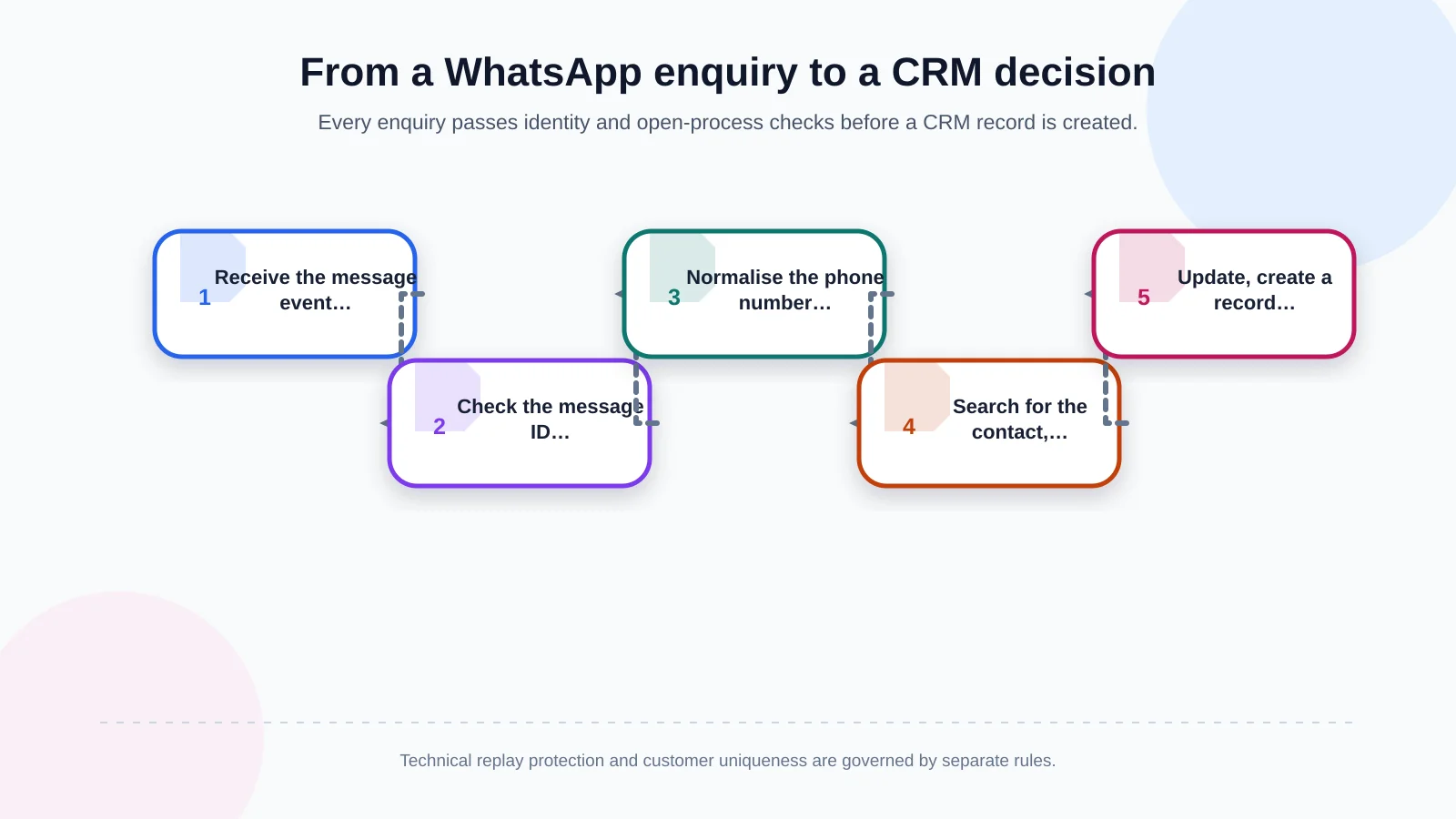
Workflow from a WhatsApp enquiry to a CRM decision
The WhatsApp Business Platform allows businesses to connect messaging with back-office systems such as a CRM. Meta’s WhatsApp Business Developer Hub presents APIs and webhooks as technical integration points. The business must still define which data enters the CRM, how decisions are made and what happens when processing fails.
In an end-to-end workflow, the integration securely receives an event and stores its source message ID. If the webhook or message is delivered again, that ID prevents the process from running twice. The data is then normalised, candidates are retrieved and the decision rules are applied. After the CRM operation succeeds, the integration log records the CRM ID, applied rule, processing time and responsible user or service.
This provides idempotency: receiving the same technical event again must not create a second customer or opportunity. Business uniqueness and technical replay protection are related but separate controls. The first asks whether the customer or commercial record already exists; the second asks whether this integration event has already been processed.
How can assignment and sales ownership be preserved?
Uniqueness checks should protect ownership as well as record quality. If a matched contact or company already has an account owner, the new WhatsApp enquiry can default to that user. This prevents an established customer relationship from being reassigned simply because a general lead-distribution rule ran first.
New records can be routed by product group, region, language, customer segment, working hours or team capacity. There should also be an unassigned queue for cases in which no rule produces a valid owner. Log every reassignment with the previous owner, new owner, reason and timestamp.
- Preserve the account owner for an existing customer.
- Prioritise the opportunity owner when an open opportunity exists.
- Route a new enquiry to the appropriate region or product team.
- Send it to a shared queue if no suitable user is available.
- Notify a manager if the enquiry remains unclaimed beyond its service target.
What belongs in the error and review queue?
Real customer data will not always support an automated decision. A phone number may appear on two active contacts; phone and email may identify different records; company names may be nearly identical; or the CRM API may be temporarily unavailable. Quietly dropping these cases—or creating a new customer whenever uncertainty appears—damages data quality.
The review screen should display the source message, candidate records, matching fields, confidence level and recommended action together. An authorised user should be able to link the enquiry to an existing record, create a new record, reject an incorrect candidate or correct the data. Capture that choice in the audit trail and use recurring decisions to improve rules without concealing exceptions.
Separate technical failures from business-rule ambiguity. A timeout or temporary CRM outage may be retried safely; a missing mandatory field or conflicting identity signals require human judgement. Show the error code, attempt count, most recent attempt and resolution status in the operational queue.
User permissions, KVKK and GDPR requirements
Phone numbers, message content and CRM histories may contain personal data. Integration design must therefore address purpose, legal basis, transparency, retention and data-subject requests—not only technical access. The Turkish Personal Data Protection Authority’s guide to the fundamental principles of processing personal data covers principles such as accuracy, relevance, proportionality and retention only for the necessary period.
GDPR Article 5 similarly establishes purpose limitation, data minimisation, accuracy, storage limitation and security principles. The European Union’s official GDPR text is an essential reference for organisations processing international customer data. Legal and compliance teams should assess which rules and lawful basis apply to the specific operation.
CRM users should see only the records required for their roles. Access to message content, record merging, personal-data changes, exports and deletion can be controlled separately. Avoid copying sensitive content into the CRM unnecessarily; consider retaining a limited commercial summary instead of the complete message.
- Apply role-based access and the principle of least privilege.
- Log viewing, editing, merging and exporting activities.
- Define retention and disposal periods by data type and processing purpose.
- Use masked data instead of real customer records in test environments.
- Include connected providers and systems in the data inventory.
Which scenarios should be tested before launch?
Acceptance testing should go beyond confirming that a message reached the CRM. Test different formats of the same phone number, a changed email address, a new contact at an existing company, multiple candidates, open and closed opportunities, a repeated webhook, a CRM outage and an unauthorised user.
Document the expected decision for every test case, then verify the resulting contact, company, activity and opportunity IDs. Check ownership, notifications, review queues, retries and audit records as well. After launch, monitor duplicate-record rates, automatic-match rates, review-queue volume, false merges and time to resolution. These indicators reveal whether rules remain useful as customer data and sales processes evolve.
Building an organisation-specific, manageable integration
Every business defines “the same customer” and “the same opportunity” differently. A phone number may be unique in one organisation but shared by a switchboard or purchasing team in another. Some sales teams allow one open opportunity per company; others create one for each product group. The data model, responsibilities and exceptions must therefore be designed together instead of inheriting the assumptions of an off-the-shelf automation.
Kumsal Agency is an Istanbul-based digital agency that develops custom web software around business processes, user roles, data sources and integration requirements. In a WhatsApp–CRM project, the objective is not merely to connect two systems. It is to establish a secure, explainable and manageable operation covering normalisation, identity decisions, ownership, exception queues, permissions and auditability.
To plan your WhatsApp-to-CRM enquiry flow together with its uniqueness rules and integration requirements, contact Kumsal Agency.