


Aydınlatma metni yükleniyor…
Finding a brand asset is only half the task; teams must also know that they have found the correct file. When a social media team publishes an outdated campaign visual, a dealer uses a photograph after its licence has expired or a printer sends a low-resolution draft into production, the problem goes beyond untidy folders. Brand consistency, legal compliance, delivery time and budget are all affected.
A brand asset library should provide a shared source of truth for logos, corporate identity applications, product photography, campaign artwork, video, animation and editable source files. Achieving this requires file-naming standards, version history, usage-rights information, user roles and approval workflows to be designed as one system. Teams can then see not only which asset they have found, but also which version may be used, in which channel and until what date.
Why does digital asset management require more than organised folders?
A logical folder hierarchy may appear sufficient at first. Yet once the same image is copied into email attachments, personal computers, cloud storage and agency servers, identifying the authoritative version becomes difficult. Names such as “final”, “final-new”, “final-2” and “latest” leave the decision to individual users. If approval status, permitted channels and licence duration cannot be understood from the asset record, the risk remains.
A well-managed library stores each asset with its business context. Ownership, creation date, related campaign, format, version, approval status and usage conditions are recorded. Search results can then be filtered by product, market, channel, date, photographer or licence status rather than file name alone. These governance rules should reflect the organisation’s actual brand and content processes. Kumsal Agency can help define that framework through its digital brand consulting service.
How should a standard file name be structured?
A file name is a concise identifier, not a substitute for complete metadata. The naming convention should be descriptive enough for users to understand the basic context without opening the file, but consistent enough for software to process reliably. Excessively long descriptions, improvised abbreviations and personal naming habits eventually create another layer of disorder.
Choose meaningful fields for the file name
The appropriate fields vary by organisation, but they may include a brand, campaign or product code, asset type, channel, language or region, date and version. For example, brand-productx-launch-instagram-en-202610-v03.jpg communicates both context and version. A photographer’s name, detailed licence conditions or the identity of an approver should not be compressed into the name; those details belong in structured metadata.
- Use lowercase characters, hyphens and a controlled set of predefined codes.
- Avoid spaces, accented characters and symbols that may cause problems across operating systems.
- Where dates are needed, adopt a sortable format such as YYYYMM or YYYYMMDD.
- Do not use labels such as “new”, “latest” or “current”, because their meaning expires.
- Do not treat a file extension as an indication of asset type, approval or intended use.
The UK National Archives recommends checking compliance with file-naming conventions and folder structures throughout digitisation work. It also notes that filenames made only from numbers can make images harder to locate. The practical lesson is that a standard must be monitored during production, not simply documented once. Further guidance is available in The National Archives’ digitisation guidance.
How does version control make the correct asset visible?
Version control should not create a new pile of files after every change. Its purpose is to preserve a traceable change history while making the valid output unmistakable. Workflow states such as draft, in review, changes requested, approved, published and retired should be managed separately from version numbers. V03 may be the latest technical revision, but it is not the correct file for distribution if approval is still pending.
Create one master record and an immutable version history
Every visual asset should have a unique identifier, with revisions stored beneath the same master record. The system should record who made each change, when it was made and why. Users must not be able to silently overwrite an approved version. Earlier revisions should remain available for review or restoration, while published derivatives stay linked to their source.
An editable design file, print-ready artwork, web-optimised image and social-media crop are not interchangeable. They should be presented as channel-specific derivatives of one master asset rather than several unrelated “final” files. This relationship makes resizing, format conversion, localisation and channel delivery easier to govern.
How should the asset lifecycle be managed?
Reliable asset management follows a lifecycle that begins when content enters the system and ends when it is retired. Moving a raw photograph or initial design directly into a publishing folder hides rights checks, quality review and approval decisions.
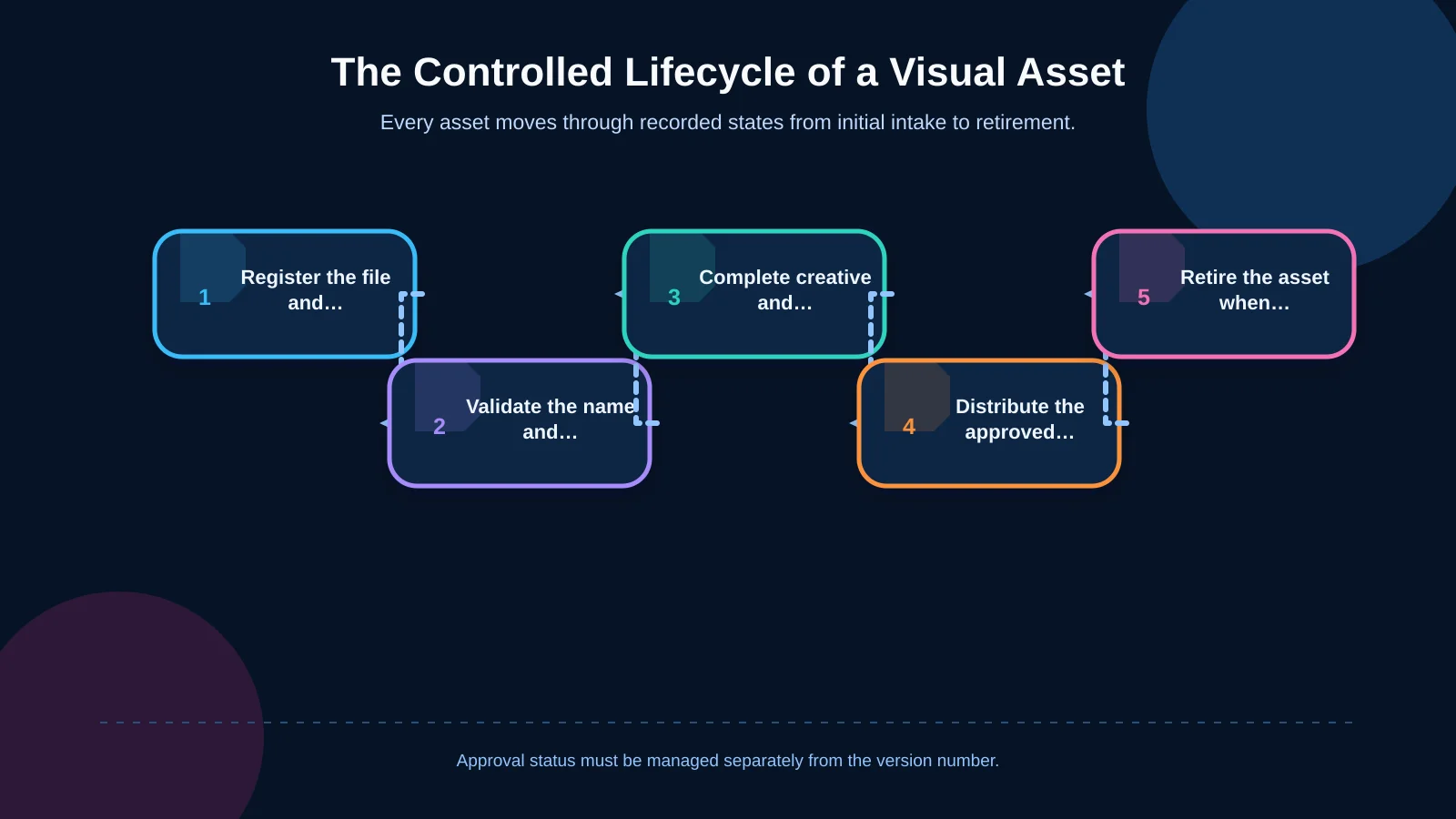
A five-stage workflow from production to archive
First, the file enters the system with its project and creator details. Its standard name, asset type and mandatory metadata are then validated. Creative, technical and legal reviews follow. Once approved, the appropriate version is distributed to defined channels. Finally, it is archived or retired when its rights expire, a replacement is issued or the campaign closes. Kumsal Agency’s Art Director-led production approach can help establish this chain of records from the original shoot through post-production outputs.
Automated notifications can alert responsible users to licences approaching expiry and approvals awaiting action. An expired asset does not need to disappear from search results; marking it clearly as unavailable preserves historical campaign evidence while preventing accidental redistribution.
Which fields should store image usage rights?
An asset’s presence in the library does not mean the brand may use it for every purpose. Photographer agreements, stock licences, model releases and permissions relating to locations, property or artworks may impose different limits on channels, territories, duration and modification. Rights should therefore be captured through structured fields wherever possible, rather than buried in one free-text note.
- Copyright or rights holder and the licensing party
- Permitted channels, media, territories and languages
- Usage start and expiry dates
- Commercial, editorial or internal-use scope
- Permission to crop, adapt or create derivatives
- Required credit line and display format
- Status of model and property releases
- Links to contracts, invoices, releases or supporting evidence
The IPTC Photo Metadata User Guide explains fields for copyright ownership, credit lines and Rights Usage Terms. It also describes the value of embedding metadata in the file, which can reduce the risk of rights information becoming separated from an asset. The field definitions can be reviewed in the IPTC Photo Metadata User Guide.
A rights record does not replace legal assessment; it translates contractual conditions into operational controls. Permission or licence status should be verified particularly carefully for third-party content. The U.S. Copyright Office explains that, where permission is required for a particular use of another party’s work, obtaining permission or a licence from the rights holder is one route to lawful use. Its How to Obtain Permission circular provides a general overview, but organisations should obtain appropriate advice for the relevant jurisdiction and contract.
| Information | File name | Metadata | System record |
|---|---|---|---|
| Brand and asset type | Short code | Detailed value | Filtering and reporting |
| Version and approval | Version code | Status information | History and approval trail |
| Usage rights | Not included | Rights and credit fields | Contract and expiry alert |
| Channel and region | Short code if needed | Structured field | Access and distribution rule |
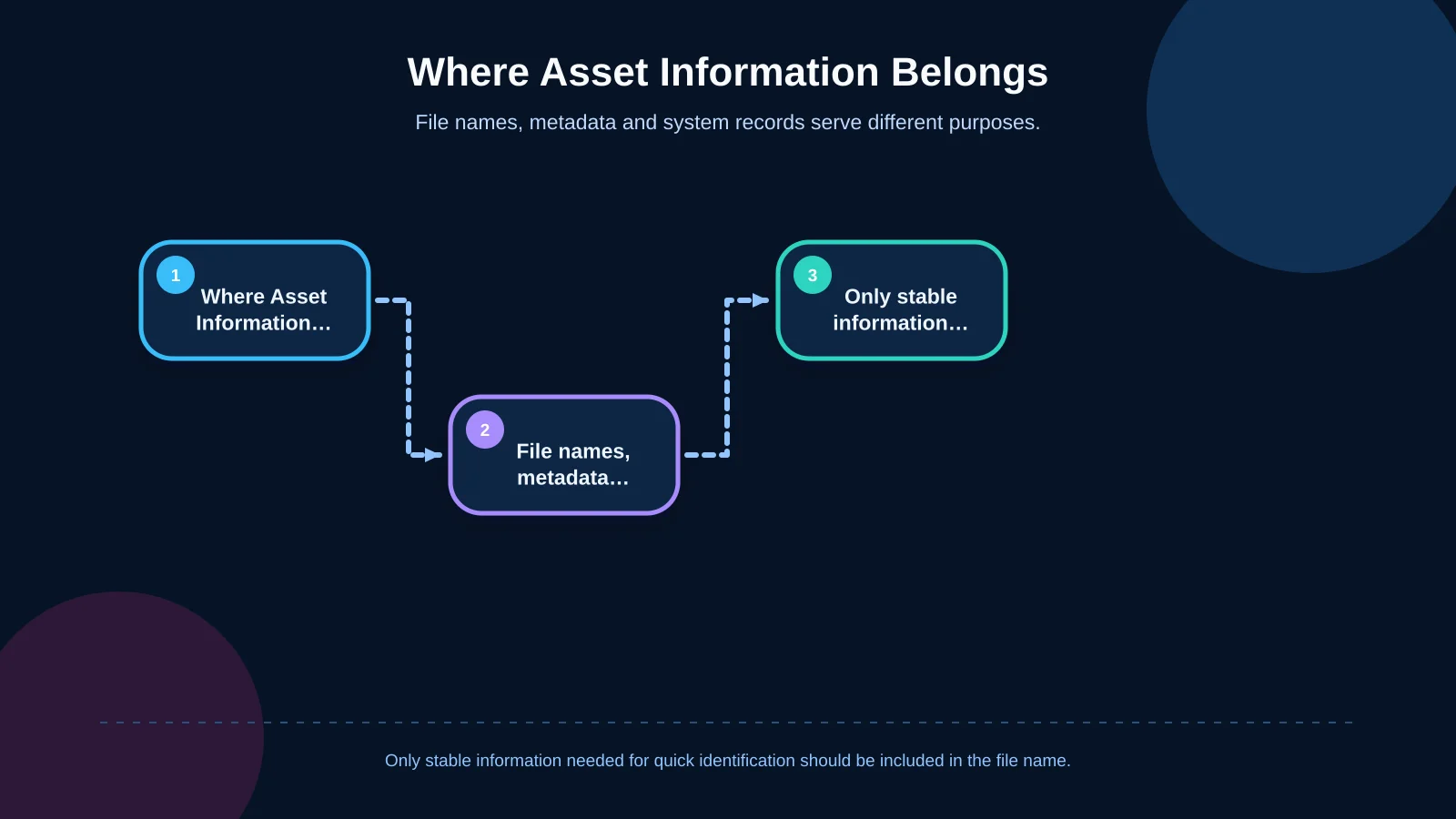
Keep each type of information in the right place
File names, embedded metadata and system records perform different jobs. A file name supports quick identification; metadata travels with the asset and enables structured discovery; the system record controls workflow, permissions, contracts and audit history. Trying to force all three functions into the filename produces long, unstable names while still failing to provide reliable governance.
How should roles, approvals and access permissions be designed?
Giving everyone unrestricted access may appear efficient, but it can expose unapproved assets, allow source files to be altered and reveal licence documents unnecessarily. Role-based access should separately govern viewing, downloading, uploading, metadata editing, approving, sharing and deleting.
Match separation of duties to the real workflow
A designer may upload a revision, while a brand manager approves visual suitability and a legal or procurement team verifies rights. An agency may have access only to assigned projects. Sales teams and dealers generally need approved distribution files, not editable masters. Delegated authority, temporary access and external sharing should all have explicit expiry dates.
The audit log should show who viewed, downloaded, modified or approved an asset. For sensitive projects, organisations may also consider multi-factor authentication, download restrictions and visible or invisible watermarking. When roles, approvals, metadata, advanced search and integrations exceed the capabilities of shared folders, custom web development can turn the actual workflow into a manageable application.
How should search, integrations and automation be planned?
A library delivers value when users can find the correct asset in a few steps. Search should support filters for brand, campaign, product, asset type, date, channel, approval state and rights validity. A controlled vocabulary prevents terms such as “car”, “automobile” and “vehicle” from dividing relevant results. Required fields may vary by asset type: a product photograph may require a product code, while event imagery may require a date and location.
When connecting the library to a website, CMS, PIM, e-commerce platform or social publishing tool, define which platform owns the master record. Distribution links should resolve to the currently approved version and generate warnings when rights expire. Automation can handle validation, notifications and derivatives, but it should not conceal creative or legal decisions that still require accountable human approval.
A practical implementation roadmap
Begin with an inventory rather than an immediate migration. Identify asset types, duplicates, storage locations, user groups, approval practices and supporting rights documents. Prioritise high-risk and frequently used materials, including current logos, active campaigns, licensed photography and core product images.
- Define the naming dictionary, mandatory metadata fields and workflow states.
- Map roles and approval responsibilities to specific tasks.
- Run a pilot with a small but representative collection.
- Migrate legacy assets through verification rules rather than automatic assumptions.
- Track search success, incorrect-version use and licence-expiry alerts.
- Assign an accountable library owner to review standards periodically.
Success should not be measured only by the number of uploaded files. More useful indicators include time required to find the correct asset, missing-metadata rates, attempts to download unapproved content, duplicate volume and licences renewed before expiry. Training should use short, role-specific scenarios rather than a single generic system demonstration.
Turn your brand library into a trusted working system
File-naming standards improve findability, version history protects accuracy, rights records enable safer use, and roles and approvals create accountability. When these components are designed separately, the library grows without becoming more trustworthy. Shared rules, sustainable metadata and software aligned with real workflows help every team reach approved material faster.
Kumsal Agency approaches brand asset libraries as more than a folder-clean-up exercise. It combines brand consistency, user roles, data security, design and production processes within a manageable digital system. Plan the file naming, version tracking, usage rights and access requirements of your brand asset library with Kumsal Agency.