


Aydınlatma metni yükleniyor…
Customer portal cost cannot be calculated from screen count or registered-user volume alone. Membership and authentication, account relationships, document access, support requests, notifications, payments, authorization, integrations, migration, security, testing and operational ownership shape the scope.
A comparable proposal replaces “build a portal” with the customer tasks, data sources, permissions and failure conditions to be delivered. This guide does not offer a fixed price; it provides a method for comparing scope consistently.
What Is a Customer Portal, and How Does It Differ from a Dealer Portal?
A customer portal is a web application where an authenticated consumer or business customer completes account-specific tasks. Updating membership information, viewing a contract or invoice, creating a support request, tracking an application, making a payment and managing notification preferences are typical examples.
A dealer portal usually centres on customer-specific catalogues, pricing, stock, quotations, orders, limits and commercial approvals. This article focuses instead on end-customer self-service. One platform can contain both roles, but its data, permissions and transaction rules should remain explicit.
See the wider module and integration context in the B2C software selection guide.
The Kumsal Customer Self-Service Scope Matrix
This original matrix assesses eight areas: identity, account, documents, requests, notifications, payments, authorization/support and operations/handover. It is not a price list. For each area, record the user task, system of record, exceptions, security boundary, acceptance test, operational owner and later-release decision.
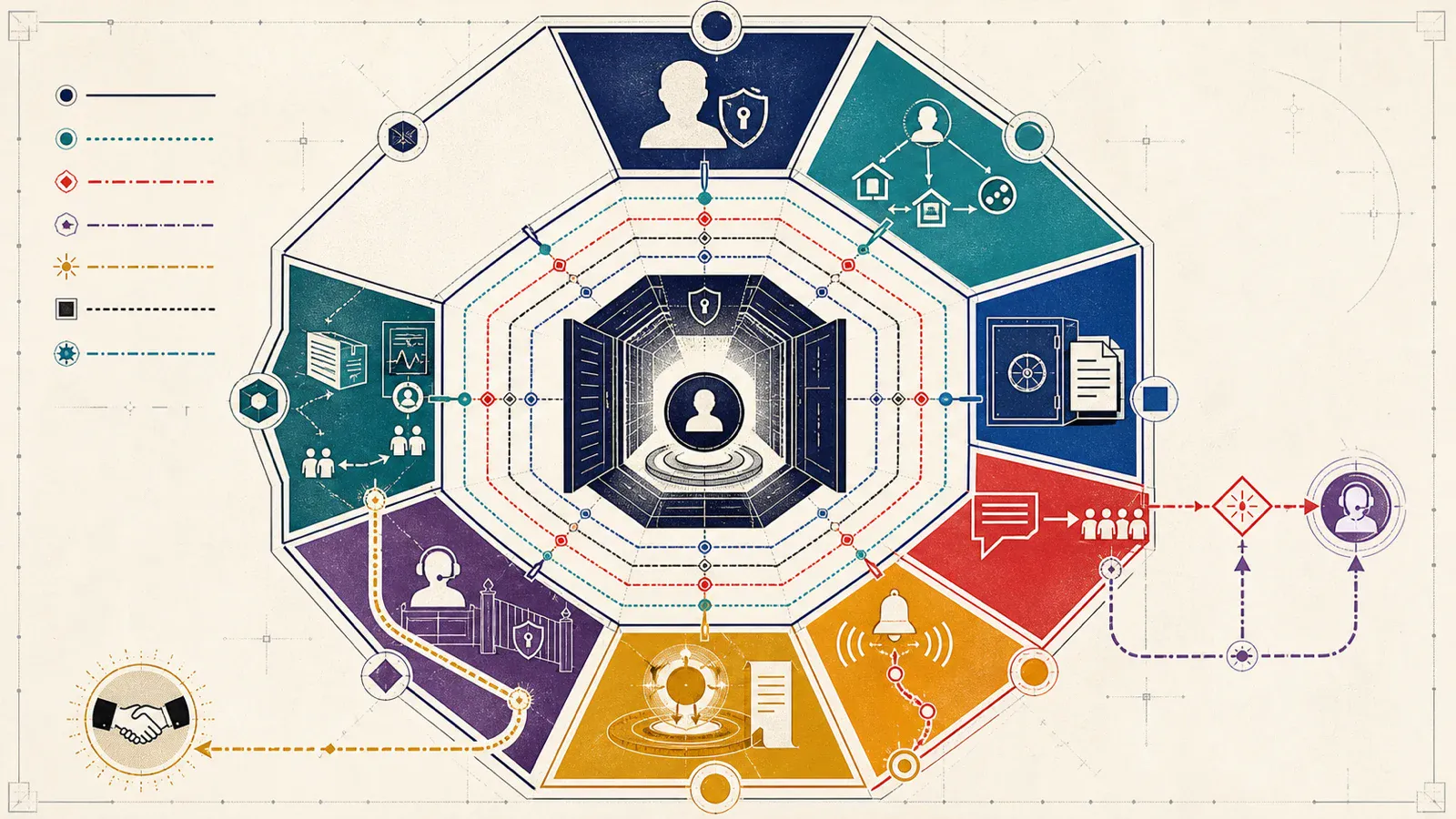
| Area | Primary decision | Cost drivers |
|---|---|---|
| Identity and membership | Who registers, authenticates and recovers access? | Invitation/open registration, verification, MFA, federation, recovery |
| Account and profile | Which customer, subscription or service is represented? | Relationships, permissions, preferences and consent records |
| Documents | Where does each document come from and who may see it? | Generation, archive, version, signature, download and retention |
| Requests | Which team and status own each request? | Forms, files, categories, service windows, messages and assignment |
| Notifications | Which event is sent through which channel? | Email/SMS/push, templates, preference, retries and delivery records |
| Payments | Which balance or transaction is paid and reconciled? | Provider, method, callbacks, reconciliation, refund and failure |
| Authorization and support | How can staff assist without excessive access? | Roles, object access, acting for a user and audit trails |
| Operations and handover | Who monitors, updates and takes over the platform? | Infrastructure, logs, backup, incidents, documentation and ownership |
1. Membership and Authentication Scope
Open registration, invitation-only access, matching an existing customer number and enterprise federation are different implementations. Email or phone verification, multi-factor authentication, social or corporate sign-in, password reset, lockout, session/device management and account closure are separate decisions.
The NIST Digital Identity Guidelines treat authenticator binding, use, recovery and lifecycle management as distinct requirements. A portal should not assume that naming a public standard proves compliance. Select authentication assurance, recovery channels and support privileges according to the organisation’s data and risk, with qualified review where needed.
2. Account, Profile and Service Relationships
A one-user/one-account model can be simple. Family, company, branch, subscription, policy, device, vehicle, property or multi-service relationships expand the data model. A user may request a relationship, an administrator may approve it, or it may arrive from another system of record.
Decide which profile fields the user can edit and whether each change updates the primary system directly or requires approval. Address, contact, billing and permission changes can have different owners and verification steps.
3. What Makes a Document Centre More Expensive?
Downloading an existing PDF is not the same as generating a contract inside the portal. Plan the document source, format, account matching, version, date, download authorization, retention, filters, locales and accessible alternatives.
Uploads add file-type and size rules, malicious-file controls, state, rejection reasons, retention and support behaviour. Electronic signature or third-party verification adds provider callbacks, cancellation and evidence records. Legal validity and retention periods require appropriate expert decisions.
4. Request and Support Workflows
“Create support request” may include category, description, attachment, customer/service relationship, priority, assignment, statuses, messages, notifications, closure and reopening. Whether the request is handled in CRM, a help desk, email or a custom back office changes integration scope.
If customers see one state while operations work in another system, define the state dictionary and update direction. A request shown as resolved in the portal while remaining open in operations creates support demand and loss of trust.
5. Notifications and Communication Preferences
A notification is more than sending email. Define the event, recipient, channel, template, locale, retry, delivery failure and preference rules. Security notices, transaction status and marketing should not be treated as one preference. Verify mandatory operational messages and consent-dependent communication with business and legal owners.
SMS or push introduces usage cost, quotas, failed delivery, provider outage and fallback-channel decisions. Test that notification links reach the correct task without exposing unauthorized data.
6. Payment and Reconciliation Scope
The portal may only display a balance, redirect to a provider-hosted page or use more integrated payment fields. One-off payment, stored methods, instalments, automatic collection, partial payments, multiple currencies, refunds and receipts are different scopes.
A success screen alone is not proof that an accounting record settled. Handle provider callbacks, duplicate messages, delay, cancellation, reconciliation and ledger updates. The organisation and its specialists must determine card-data responsibility and applicable standards based on the chosen architecture and providers; neither an article nor a proposal is evidence of compliance.
7. Authorization, Security and Support Tools
Authentication does not authorize every record. Each document, payment, request and profile action must verify the user’s relationship to the relevant account or object. If support staff can inspect an account or act for a user, define privilege, reason, duration and audit evidence.
The OWASP Application Security Verification Standard provides a basis for defining and verifying technical security controls in web applications. A portal proposal should state risk-appropriate tests for identity, sessions, access control, validation, data protection, logging and error behaviour. Referencing a checklist does not guarantee security or compliance.
8. Accessibility, Operations and Handover
When the portal is a service channel, include keyboard operation, focus order, labels, error messages, status changes, colour and contrast, mobile use and assistive-technology testing. W3C WCAG 2.2 provides testable success criteria under perceivable, operable, understandable and robust principles. Confirm the required level and legal obligations separately.
Operational cost includes hosting, storage, messaging services, monitoring, backups, certificates, security updates, incident response, user support and later development. Source code, data models, integration details, provider accounts, environments, logs and restore procedures belong in the handover plan.
How Do Integrations Change Cost?
A portal often connects to CRM, ERP, accounting, payments, help desk, documents, identity and notification systems. For every integration, record fields, system of record, direction, trigger, frequency, authorization, limits, timeouts, failure, retry, monitoring, test environment and owner.
“An API exists” does not answer these questions. Use the web software integration guide to compare proposals with the same data flows.
Packaged, Custom and Hybrid Customer Portals
| Approach | Potential fit | Cost and risk boundary |
|---|---|---|
| Packaged product | Tasks are standard, integrations supported and rapid start matters | Licensing, user/feature tiers, customization and data exit |
| Custom software | Account, document, permission, request or integration rules are distinctive | Discovery, development, testing, maintenance and product ownership |
| Hybrid | Standard identity/payment services combine with custom task flows | Ownership of boundaries, providers and version compatibility |
Do not compare only initial development. Compare licensing, transaction and messaging, integrations, migration, training, support, infrastructure, security, accessibility, maintenance, upgrades and exit across the same lifecycle.
Which Proposal Lines Should Remain Separate?
- Discovery, process and user research
- Information architecture, UX, visual design and prototype
- Which of the eight matrix areas are in the first release
- Back-office administration, roles and ownership
- Fields and failure scope for every integration
- Data/document migration, cleansing and validation
- Functional, authorization, security, accessibility, performance and device tests
- Pilot, training, launch and rollback
- Infrastructure, licensing, messaging, payment and third-party charges
- Warranty, maintenance, incident support and new development boundaries
- Source code, data, accounts, documentation and handover terms
See where portals fit within custom development in the web software use-cases guide.
How Should Success Be Measured?
Move beyond “how many users logged in?” to task outcomes. Useful measures may include account-recovery success, document access, correctly completed payment, request delivery to the right owner, repeated contact, errors, integration or reconciliation failures, assisted completion and unauthorized-access incidents.
Do not claim improvement without a baseline. Mandatory use, customer profiles, service quality and operational capacity affect results. Software alone does not guarantee support savings, satisfaction, collections or sales.
Conclusion
Customer portal cost is determined by the depth of data, permissions, integrations, failure handling and ownership behind customer tasks—not by screen count. The Customer Self-Service Scope Matrix puts eight areas from membership to handover into one comparable proposal record.
To assess a customer portal, integrations and custom software scope, contact Kumsal Agency’s web development team.