


Aydınlatma metni yükleniyor…
Accreditation applications bring together extensive documentation, technical scopes, specialist competence data and formal decision records. Receiving an online form is only the beginning. The responsible team must confirm that the file is complete, preserve current and previous document versions, select assessors whose verified competence matches the requested scope, and retain a traceable record of every action.
Accreditation application software should therefore be more than a digital form and file repository. It should translate the institution’s assessment rules, user roles, authority boundaries, notifications and exception procedures into one controlled workflow. Applicants can see what is expected of them, operations teams can manage pending work, and assessors can access only the applications assigned to them.
Why does the accreditation application process require specialist software?
Accreditation concerns third-party confirmation that an organisation is competent to perform specified conformity assessment activities. ISO/IEC 17011 addresses requirements for the competence, consistent operation and impartiality of accreditation bodies. These responsibilities cannot be supported adequately by file uploads and unstructured email conversations alone.
Different application routes may require different document sets, scope classifications and assessment methods. Initial accreditation, scope extension, renewal and follow-up activities should not all be forced through an identical screen and rule set. A configurable system can define separate fields, mandatory evidence, review checkpoints, target times and approval levels for each route.
Instead of adapting institutional processes to the limits of an off-the-shelf product, custom web development can model the organisation’s actual roles, assessment methods, integrations and reporting requirements. When regulations or internal procedures change, the software can evolve through a controlled release process.
Core workflow from application to assessment
A dependable system makes ownership and the next required action visible at every stage. Although the precise sequence will vary by institution and regulatory framework, the core flow usually covers application intake, preliminary checks, document review, assessor assignment, technical assessment and closure.
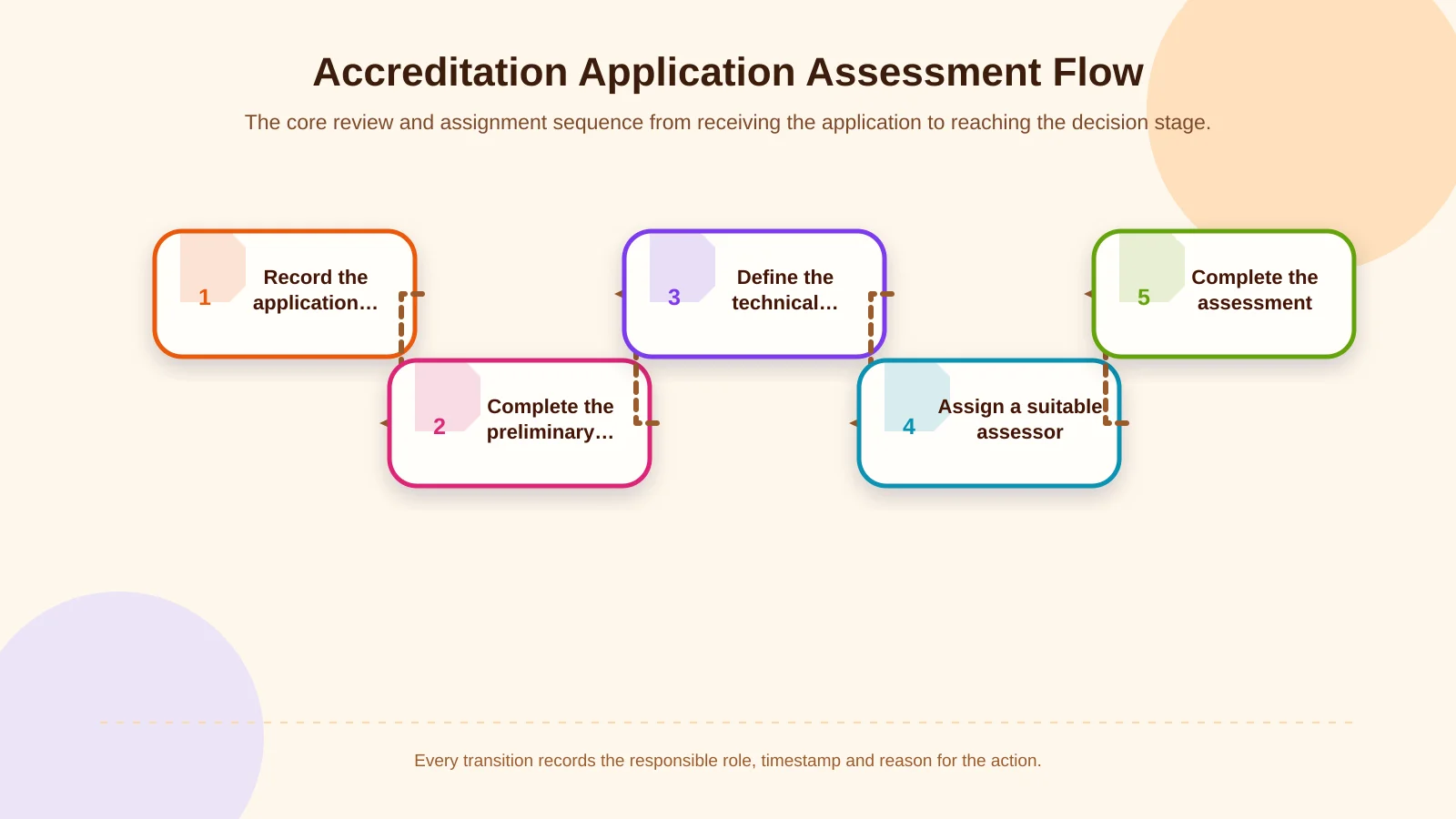
1. Capture the application and classify its scope
The applicant enters organisational details, contacts, activities, requested scope and relevant locations. The system dynamically generates the required document list according to the application type and scope. Field formats, mandatory answers, file types and size limits can be validated during submission, reducing defective records before they reach the operations team.
2. Perform the administrative check and manage missing documents
A preliminary review should confirm more than the presence of an uploaded file. Reviewers need to check whether it is in the correct category, readable, within its validity period and supported by the required signature or approval. Deficiencies should be recorded against individual documents instead of being buried in one general message. The applicant can then see what must be replaced and why, while the earlier version remains available for the audit trail.
3. Prepare the file for technical review and assignment
Once administrative checks are complete, the application can be matched to scope codes and competence requirements. Expected workload, team size, planned dates and any on-site assessment needs are established at this point. Official TÜRKAK guidance similarly treats examination of the initial application documents by the appointed team—and the decision on readiness for an on-site assessment—as a distinct activity.
4. Assign the assessor and complete the assessment
The platform may recommend suitable candidates, while final assignment remains subject to approval by an authorised operations user. Before accepting, the assessor confirms competence, availability, confidentiality and any conflict of interest. Within the authorised case file, the assessor records findings, evidence, explanations and conclusions. The completed assessment then moves to the required quality check or decision stage.
How should the document review workspace be designed?
A document review workspace must provide more context than a basic folder listing. Reviewers should be able to see the document name, category, version, uploader, submission date, validity period and previous review outcome together. Preview, page navigation and anchored comments can save considerable time when evidence files are large.
Each item may be marked as accepted, missing, requiring revision, not applicable or another institution-defined status. Every change should record who made it, when it occurred and the supporting reason. Notes visible to the applicant must be separated clearly from internal comments available only to authorised institutional users.
- A dynamic checklist based on application type and requested scope
- Mandatory-document, expiry-date and version validation
- Document-level deficiency and revision requests
- Comparable retention of old and replacement versions
- History showing reviewer, timestamp, decision and rationale
- Filters for pending, completed and approaching-due work
A missing-document request should not return the entire application to its first stage. Only the affected checkpoints should reopen; completed checks should remain intact, and any extension rules should be applied automatically. This avoids duplicated work and presents an accurate view of progress.
Which rules should govern assessor assignment?
Assignment should involve more than selecting a name from a directory. The software must compare the application scope with the assessor’s verified competence. A rules engine can consider specialist field, scope code, assessment role, experience, training, authorisation status, language capability, geographical suitability and availability.
Recommendations should also be explainable. Operations users need to know which conditions a candidate satisfies and why a warning has appeared. Assessors with expired authorisation, outdated training or a conflicting engagement can be excluded automatically. A partial match may still be considered, but only through a reasoned decision by an authorised user.
| Control point | Data verified by the system | Possible action |
|---|---|---|
| Competence match | Scope code, expertise and role | Recommend as a suitable candidate |
| Authorisation validity | Training and authorisation expiry dates | Exclude expired candidates |
| Impartiality | Relationship records and current declaration | Block or request additional approval |
| Capacity | Calendar, active assignments and deadlines | Rank by workload |
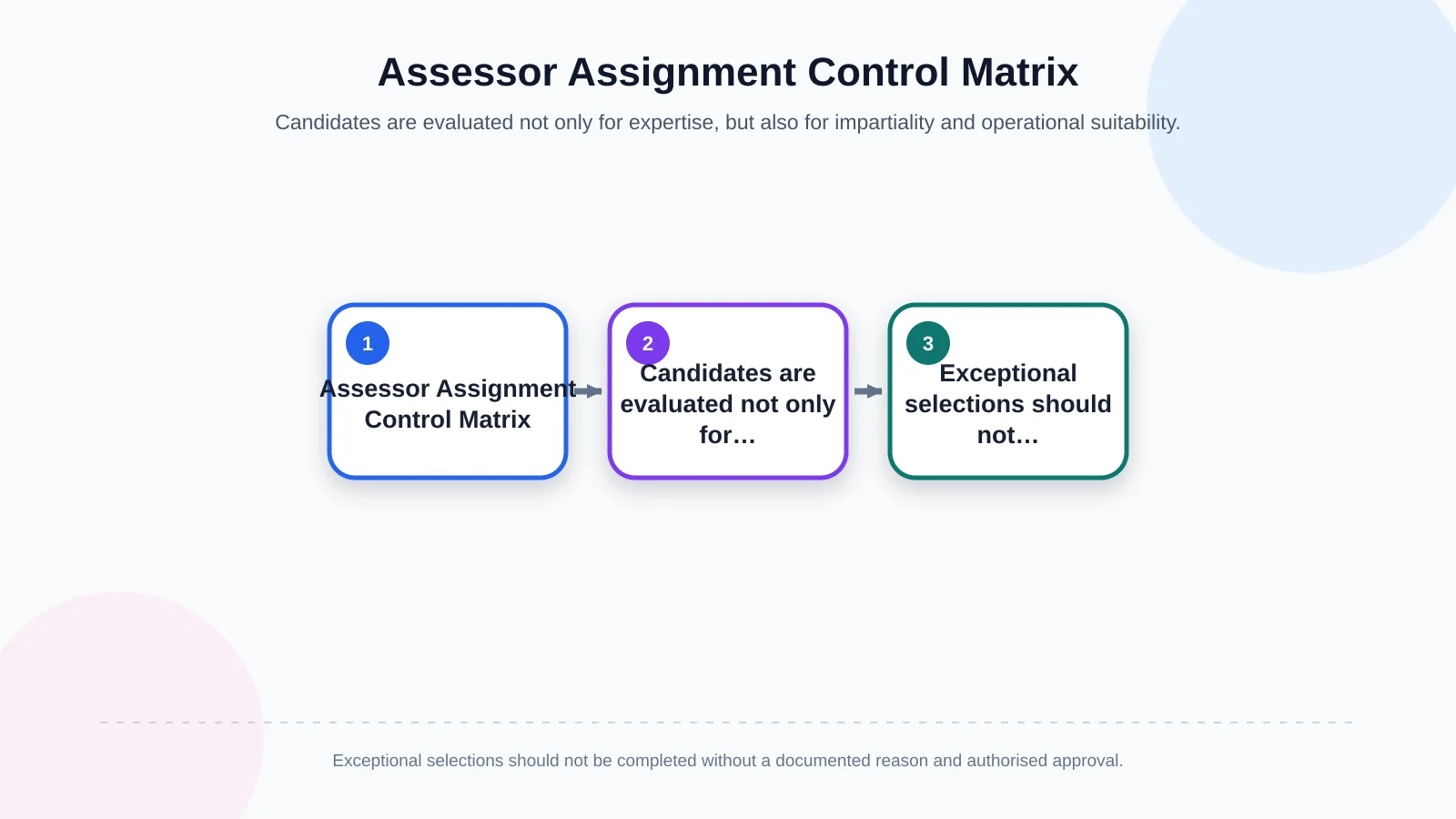
| Exceptional assignment | Unmet criterion and decision rationale | Request authorised approval |
Conflict-of-interest and impartiality checks
Previous employment, consultancy, commercial work or another relationship between an assessor and applicant may create an impartiality risk. The platform should check recorded relationships and obtain a current declaration before each assignment. ISO/IEC 17011 treats impartiality in terms of the absence of conflicts—or their resolution so that they do not adversely influence subsequent activities.
Institutional rules can determine whether a detected risk blocks the candidate, triggers additional approval or excludes that person from particular duties. Any exceptional assignment must preserve the justification and approver’s identity. The institution can then demonstrate not only who was assigned, but also the evidence behind the decision.
Workload, scheduling and team balance
Even a technically suitable assessor may delay the process if capacity is ignored. A consolidated calendar should show active assignments, planned site visits, reporting deadlines and leave. Where several specialists are required, roles such as lead assessor, technical expert and observer should carry distinct permissions and responsibilities.
Role-based access and secure record management
Accreditation files may contain contact details, CVs, competence records, agreements and confidential organisational documents. Applicants must not see other organisations’ files, and assessors must not access cases to which they have not been assigned. Least privilege should apply to every role, including administrators.
Türkiye’s Personal Data Protection Authority states that data controllers must prevent unlawful access, ensure the preservation of personal data and implement appropriate technical and administrative safeguards. Its guidance on data-security obligations reinforces why access models, retention periods and activity logs should be addressed during discovery rather than added after development.
- Separate applicant, operations, assessor and decision-maker roles
- Access boundaries at application, document and field level
- Multi-factor authentication and secure session management
- Logs for viewing, downloading and modifying documents
- Encryption in transit and at rest
- Tested backup, restoration, retention and disposal policies
Security is an operating discipline, not a one-off pre-launch test. Patch management, log monitoring, vulnerability handling, backup verification and periodic access reviews should be included in the service plan.
Status tracking, notifications and service-level management
Each application needs one clear status model. Broad labels such as “under review” should be replaced with actionable states such as “awaiting administrative check”, “awaiting applicant revision”, “awaiting assessor acceptance” and “in decision review”. Every state should have an owner, target duration and defined next steps.
Notifications should be event-driven. Missing-document requests, new assignments, acceptance or rejection, approaching deadlines and completed assessments may all require communication. Sending an email for every minor update, however, creates fatigue. Urgent events can trigger immediate alerts, while informative changes can be grouped into a daily digest.
Management dashboards can track average processing time, pending files, overdue tasks, documents repeatedly returned for revision and assessor capacity. These reports should reveal bottlenecks, data-quality problems and improvement opportunities—not merely rank employees by volume.
Integrations and sustainable software architecture
Accreditation software may exchange data with identity management, electronic document management, e-signature, payment, ERP, email or reporting systems. Each integration must identify the system of record, define retry behaviour after failure and prevent duplicate transactions.
Architecture decisions should reflect application volume, document size, concurrent users, reporting load and retention requirements. Separating file storage from the application server, scanning uploads for malware, preserving versions, using time-limited access links and protecting record integrity should be planned before implementation begins.
A role-specific admin panel should support real work without creating screen clutter. Operations users should see pending checks first, assessors should see open assignments, and managers should see process indicators. Different interfaces working on one governed data model improve both usability and security.
How should the project scope be defined?
The project should begin with process analysis rather than a list of screens. Existing forms, checklists, authority matrices, application types, exceptions and decision mechanisms need to be examined together. The team can then define user scenarios, the data model, integration boundaries, security requirements and acceptance criteria.
An initial release may cover application intake, document review, assignment and status tracking. Advanced reporting, automated matching and additional integrations can follow when supported by measurable needs. This phased approach controls scope while bringing genuine user feedback into the product early.
Kumsal Agency approaches accreditation software as a custom web application shaped around the institution’s actual processes, roles, data structure and integration needs—not as a one-size-fits-all package. To analyse your application, document review, assessor assignment and closure stages and plan an institution-specific software scope, contact Kumsal Agency.