


Aydınlatma metni yükleniyor…
There is no universally correct choice between off-the-shelf and custom CRM. A packaged product can provide a fast start, established features and managed updates for standard sales and customer processes. Custom CRM can fit distinctive data, permissions, approvals, integrations and experience, but creates explicit engineering, security, maintenance and product-ownership responsibilities.
Do not decide from the initial licence or build price alone. This guide introduces an original CRM Fit-Debt Scorecard that exposes manual work and side systems created by persistent mismatch. Fit debt is not an accounting measure or a precise financial forecast; it is a discovery and proposal-comparison framework.
How Do You Choose Packaged, Custom or Hybrid CRM?
- Packaged CRM: Evaluate it when processes resemble common contact, opportunity, task and reporting models and a rapid start with less internal engineering matters.
- Custom CRM: Evaluate it when relationships, roles, rules, approvals or operational workflows are business-critical and persistent product mismatch creates material workarounds.
- Hybrid CRM: Evaluate it when a packaged core works but a custom portal, integration, automation or reporting layer is required.
Compare all options with the same users, common three-year or organisation-defined period, integration scope, security level and support assumptions.
Define the Actual Job of CRM First
Will CRM only hold contacts, or also manage quotes, pricing, approvals, contracts, operational handover, service requests and renewals? “CRM” can describe sales tracking, customer service, field operations or membership management.
Document roles, primary objects, stages, decision rules, required evidence and system handoffs before comparing features. Separate the current process from the process the business should operate; do not custom-build an inefficient habit merely because it exists today.
The Kumsal CRM Fit-Debt Scorecard
Test every option with real scenarios: score 0 for native fit, 1 for administration configuration, 2 for custom work/add-ons or substantial training, and 3 for spreadsheets, manual transfer or a critical block. A high total does not automatically require custom CRM; it shows where and why debt accumulates.
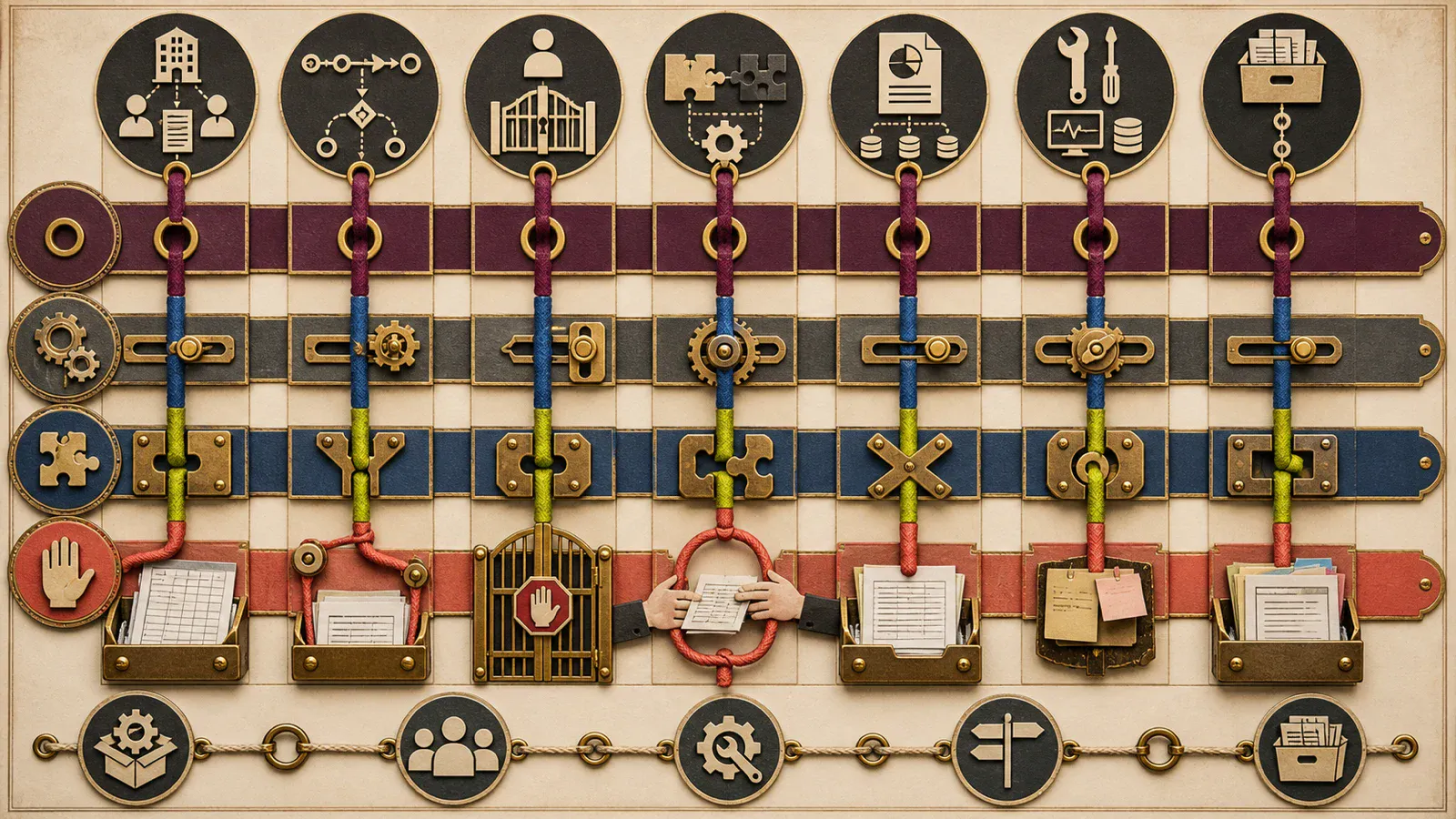
| Area | Real scenario | Fit evidence | Fit-debt signal |
|---|---|---|---|
| Data model | Account, contact, product and contract relationships | Sample record and history | Repeated notes and spreadsheets |
| Process | Stage, task, approval and exception | End-to-end pilot | Tracking outside CRM |
| Roles and access | Team, branch, region and record access | Role–action matrix | Over-broad access |
| Integration | Email, ERP, quote, support and web | Data and failure flow | Copy-paste and duplicate entry |
| Reporting | Forecast, source, conversion and service | Decision-ready sample | Exporting for every report |
| Administration and adoption | Fields, rules, training and support | Admin task rehearsal | Dependence on one person |
| Exit and ownership | Data, files, history and access | Sample export and handover | Missing relationships and unclear formats |
1. Strengths and Limits of Packaged CRM
A packaged CRM can provide a functioning core, standard objects, user management, mobile access, reports, updates and an integration ecosystem. The team can focus on configuration and migration rather than building the product foundation.
But “feature available” does not reveal the required tier, user type, storage, API, automation, reporting or support. Salesforce's official developer resource, for example, describes an organisation's daily API entitlement as related to licences. (Salesforce API limits) This does not establish one rule for every CRM; it illustrates why current package, quota and overage terms must be verified for the product under consideration.
2. Strengths and Limits of Custom CRM
Custom CRM can be designed around the organisation's real relationships and decisions. Users can work through task-specific interfaces rather than irrelevant modules, while portals, ERP, pricing and service workflows can share one product roadmap.
In return, roadmap, priorities, security, testing, hosting, monitoring, backup, support and releases become visible responsibilities. The NIST Secure Software Development Framework recommends integrating secure development practices into the lifecycle and provides common language for software producers and acquirers. (NIST SSDF) Custom CRM should not be estimated as “build once and forget”.
3. When Can Hybrid CRM Be More Balanced?
A packaged CRM can manage contacts, opportunities and baseline reporting while a customer portal, internal approval flow, specialist quotation engine or data warehouse is custom-built. This combines a managed core with flexibility where the process is distinctive.
Hybrid does not automatically mean inexpensive. Define the system of record, user interface boundaries, data latency, failure handling, support boundary between suppliers and ownership of version changes. Use the web software integration guide to structure those connections.
4. Compare Total Ownership, Not Licence Price
Packaged CRM can involve user and tier licences, implementation, consulting, migration, configuration, add-ons, integrations, training, internal administration, support and exit. Custom CRM can involve discovery, design, engineering, data, integration, verification and cutover plus cloud, services, security, maintenance, support and product capacity.
The US Government Accountability Office cost guide recommends that lifecycle estimates cover development, production, operations, maintenance and disposal or transition, while documenting exclusions and assumptions. (GAO Cost Estimating and Assessment Guide) This is not a CRM pricing rule; it is a general cost principle for comparing options over equivalent periods and assumptions.
| Cost area | Packaged CRM question | Custom CRM question |
|---|---|---|
| Initial | Implementation, configuration, consulting | Discovery, UX, engineering, verification |
| Usage | Users, tier, storage and API | Cloud, traffic, storage and services |
| Change | Add-on, consultant or tier upgrade | Analysis, engineering and regression |
| Operations | Internal admin, training and support | Monitoring, security, maintenance and support |
| Exit | Export, files and relationship migration | Source, data, accounts and technical handover |
5. Test Migration and Exit at the Start
Accounts, people, opportunities, activities, notes, files, email relationships, products, quotes and consent history may exist across several sources. Migration should cover mapping, deduplication, identity resolution, trial runs, reconciliation and rollback.
“Data can be exported” is insufficient. Salesforce's official Data Export FAQ, for example, documents edition-dependent export frequency and limited download availability. (Salesforce Data Export FAQ) This is only one product example. Test fields, relationships, files, history, user identities and API/export conditions for the candidate CRM before contracting.
6. Pilot Process Fit with Real Users
A demonstration presents an ideal path; a pilot tests the organisation's data and exceptions. A sales representative should create and progress work, a manager approve or reassign it, operations correct incomplete information and leadership reach a trusted report.
Define sample data, roles, tasks, acceptance and duration. Observe remaining manual steps, duplicate entry, external reporting and whether an administrator can change rules without specialist help. User preference alone is not proof of process fit.
7. The Boundary Between Configuring and Building
Fields, stages, views, notifications and basic automation may be administered in the product. If success requires custom code, a heavy add-on chain, external automation, parallel databases or continuous spreadsheets, the solution has effectively become hybrid. That is not necessarily wrong, but architecture and ownership must be explicit.
Use the off-the-shelf versus custom software guide for the broader build-or-buy decision.
Fifteen Questions for the CRM Decision
- Which users and outcomes will CRM manage?
- What are the primary objects and relationships?
- Which processes should be standard and which are distinctive?
- Can critical exceptions and approvals be configured?
- Does role and record access fit?
- Which integrations are essential in the first release?
- Which tier and user type contain the required capabilities?
- What are the API, storage, automation and reporting limits?
- Who owns migration and cleansing?
- Did the pilot use real user tasks?
- Who will administer CRM internally?
- Who owns security, backup, monitoring and incidents?
- How are maintenance and new development separated?
- Can data, files and history be exported completely?
- Were fit debt and total cost compared over the same period?
Conclusion
Compare packaged, custom and hybrid CRM by data model, process, roles, integrations, reporting, administration and exit—not brand label. The right point between packaged speed and custom flexibility depends on real tasks and the organisation's capacity to own the product over time.
To assess CRM processes, integrations and custom software requirements, contact Kumsal Agency's web development team.