


Aydınlatma metni yükleniyor…
When commissioning an animated website, budget conversations often begin with a deceptively simple question: “How much motion should it have?” Terms such as “light,” “moderate” or “highly animated” may communicate a general preference, but they are not precise enough to estimate production time, compare proposals or assess the finished work. Two websites with the same number of animations can require very different levels of effort because of scene originality, interaction logic, responsive adaptations and content-management requirements.
A motion budget is not merely the amount of money allocated to animation. It is a project framework that defines where motion will appear, what purpose it will serve and how much design, development, performance optimisation, accessibility work, testing and maintenance it will require. A well-planned budget allows a brand to create a distinctive experience without making the website slow, confusing or difficult to maintain.
What is a motion budget, and why do you need one?
A motion budget sets boundaries for the purpose, priority, technical complexity and acceptance criteria of website animations. Instead of animating every available section, the team identifies the moments where motion makes a meaningful contribution to the user journey or brand story. This gives creative teams, developers and decision-makers a shared basis for discussing scope.
The first dimension is production capacity: how much time will be allocated to concept development, storyboarding, prototyping, motion design and implementation? The second is browser and device capacity: what processing and download costs will be introduced by imagery, video, 3D scenes and animation code? The third is user capacity: does the movement clarify information, or does it compete for attention and weaken the user’s sense of control?
For that reason, “five animations on the homepage” is not a useful specification on its own. Each item should define its trigger, duration, screen coverage, mobile behaviour, reduced-motion alternative and success criterion. These decisions should sit within the wider website requirements, page structure and responsibilities rather than being treated as a separate visual wish list.
How do you set a motion budget in five steps?
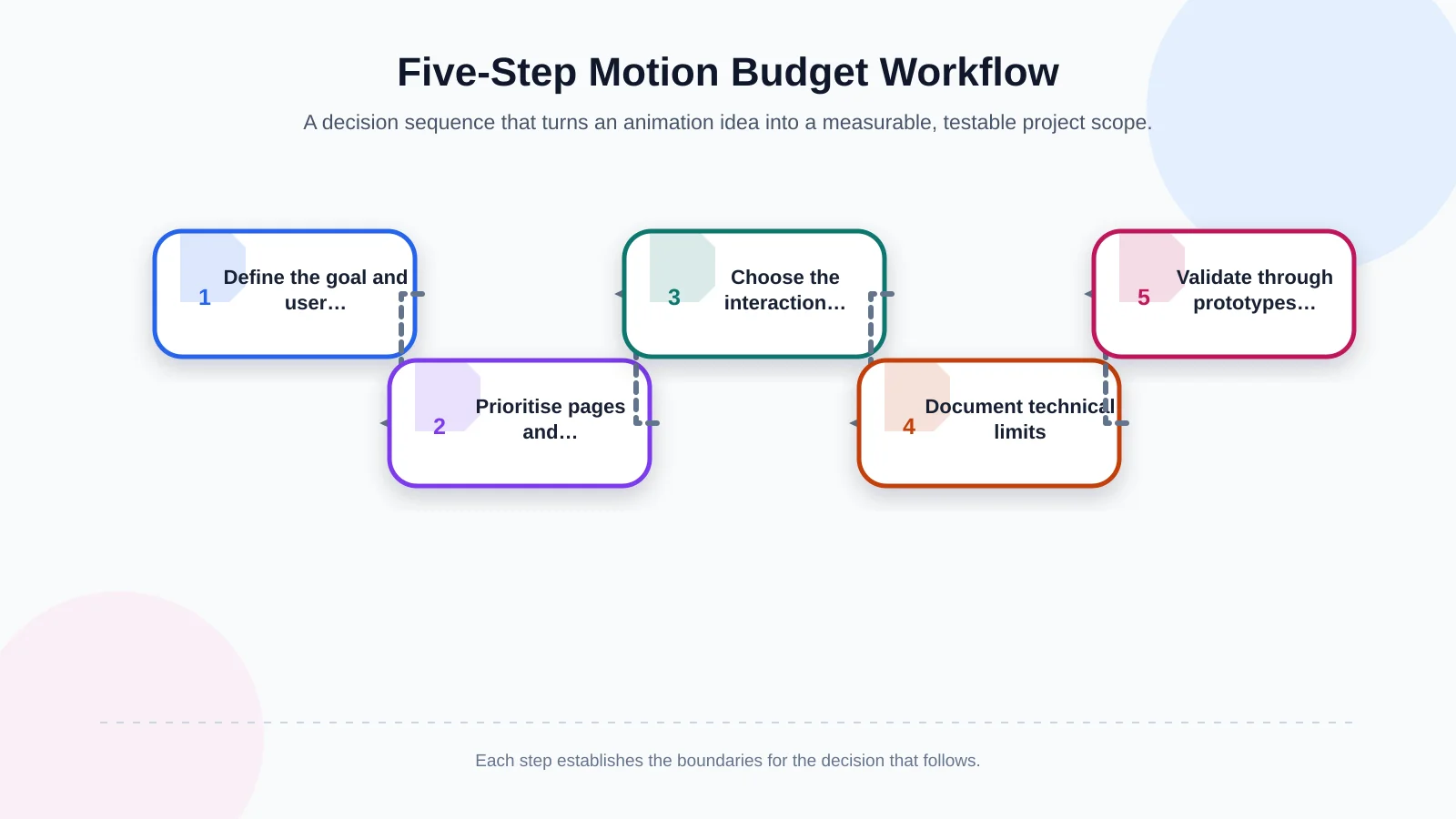
1. Define the business goal and user task
Start by identifying the job the animation must perform. Explaining how a product works, guiding visitors to the next section, confirming a form state and expressing brand character are different motion-design problems. “Making the site look impressive” may be a creative ambition, but it is not a measurable project goal.
For every proposed effect, ask: “If this motion were removed, what information, feedback or guidance would the user lose?” If there is no clear answer, the item belongs in the decorative category and should receive a lower budget priority. If the answer relates to a defined task, the animation can be treated as a functional part of the experience.
2. Prioritise pages and touchpoints
Do not distribute the same animation intensity across the entire website. Select the touchpoints with the greatest business or communication value. The homepage opening, a key service explanation, an interactive product demonstration, a featured project and the route to an enquiry form may all justify greater investment. Blog archives, legal pages and frequently consulted information pages usually benefit from a calmer motion language.
Priority should reflect a page’s role in the decision journey as well as its traffic. A lower-traffic service page that influences a high-value purchase may deserve more attention than a busy archive. Make this decision after the information architecture and user flows are clear, not solely according to visual preference. Kumsal Agency’s custom web design approach considers creative direction alongside user experience, responsive development and testing.
3. Choose the interaction type and production level
Button feedback, menu transitions and expandable panels generally form the foundational motion layer. Scroll-led narratives, connected scenes, custom cursor behaviour and data-responsive visuals need more prototyping and engineering. Bespoke 3D assets, WebGL scenes and video-synchronised experiences should be scoped as distinct creative and technical workstreams.
The implementation method should follow the required behaviour rather than the appearance of the effect alone. Small, self-contained interface transitions may be suitable for CSS, while scenes that need detailed sequencing, pausing, reversing or user-controlled states may require JavaScript. The choice should also account for maintainability, browser support and the team responsible for future updates.
4. Document performance and accessibility limits
A motion budget must define not only what will be built but also when the experience should be simplified. Lower-powered phones, slower connections, different viewport sizes and reduced-motion preferences all belong in the scope. Shrinking a desktop scene is not always an adequate mobile solution; a complex narrative may need to be restructured or replaced with a lightweight static presentation.
W3C’s guidance on animation triggered by interaction explains that non-essential motion initiated through interaction should be capable of being disabled. MDN documents how the prefers-reduced-motion media feature can detect an operating-system preference and reduce or replace motion. This behaviour should be part of the design deliverable, not a late-stage enhancement.
5. Include prototypes, testing and acceptance criteria
Animation should not be approved only as a static frame in a design file. Timing, trigger points, scrolling behaviour and responsive variants need to be evaluated in a clickable or coded prototype. Early prototyping of a complex scene exposes technical constraints before the idea becomes expensive to revise.
Acceptance criteria should be specific. Is form feedback understandable to keyboard users? Does any information disappear when motion is disabled? Can a visitor reach a link without waiting for a sequence to finish? Does the page stutter on agreed devices and browsers? Answers to these questions provide a more reliable definition of completion than a line stating that “animation is included.”
Which motion priority categories should you use?
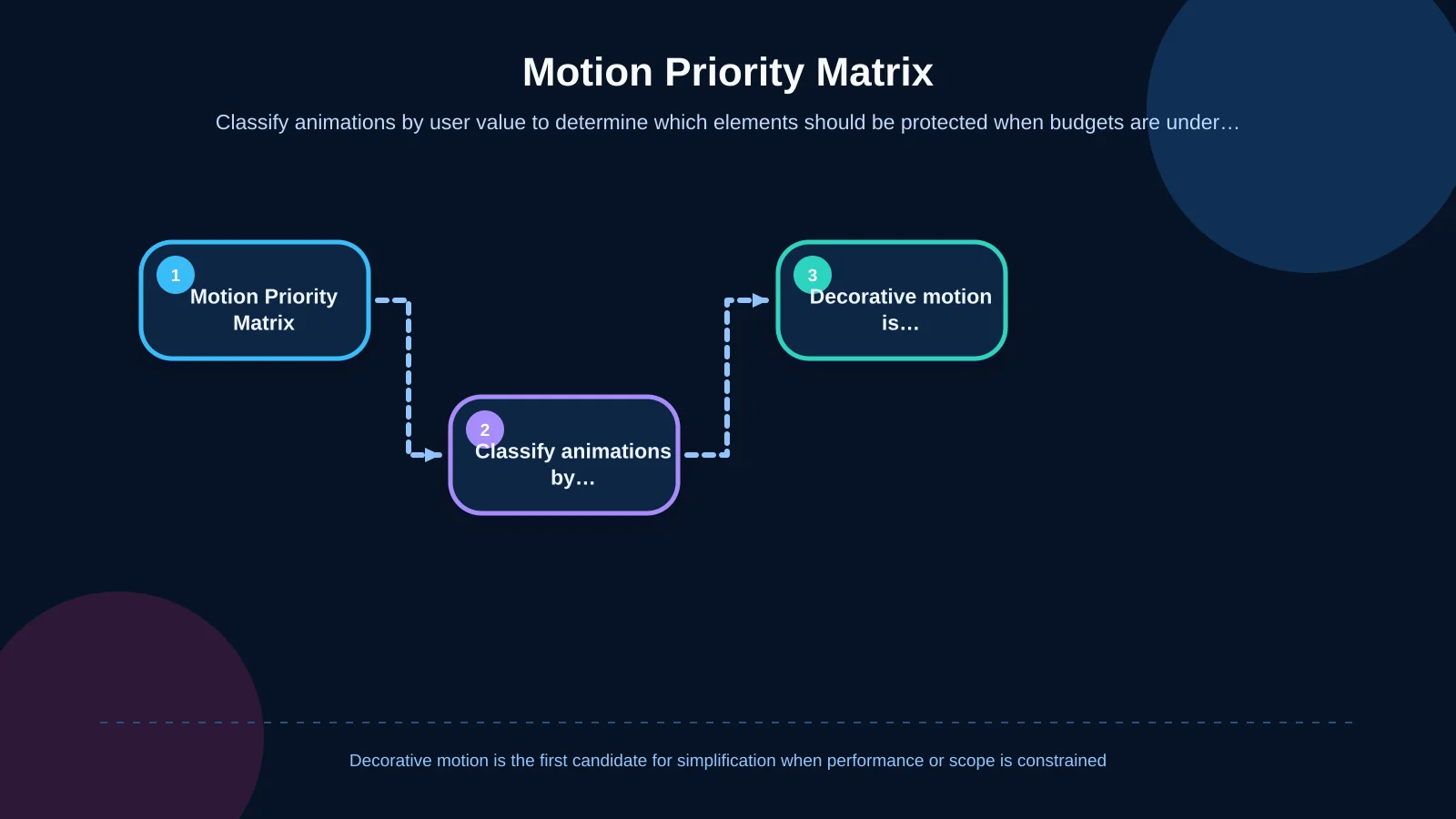
Dividing the motion inventory into three categories makes scope decisions easier. Essential motion communicates system status or cause and effect. Supporting motion strengthens content hierarchy, orientation or brand storytelling. Decorative motion creates atmosphere without conveying necessary information.
A progress state after form submission may be essential. Revealing the stages of a service in sequence may be supporting. Continuously moving background particles may be decorative. The user value of the first two categories is easier to defend. Decorative effects should normally be the first candidates for reduction when the project faces budget pressure, performance constraints or accessibility risks.
This classification does not restrict creativity. It directs creative effort toward the most visible and meaningful touchpoints. When an Art Director-led signature concept and smaller interface transitions share the same principles, the result feels like a coherent experience rather than a collection of unrelated effects.
| Category | Primary purpose | Example | Budget decision |
|---|---|---|---|
| Essential | Communicates status | Form submission feedback | Protect first |
| Supporting | Guides the narrative | Sequenced service stages | Select by impact |
| Decorative | Creates atmosphere | Background particles | Simplify first |
How does the motion level affect scope and cost?
At a foundational level, the focus is on microinteractions and short interface transitions, supported by reusable rules within the design system. A balanced level adds selected signature scenes, section transitions and controlled scroll interactions. An advanced level may introduce original illustration or 3D production, scene choreography, responses to user input and extensive device optimisation.
Cost is not determined by animation count alone. A reusable transition system can be more efficient than five unrelated scenes. Conversely, one 3D product experience may require modelling, materials, lighting, interaction design, file optimisation and a mobile alternative, making it a larger undertaking than many simple transitions combined.
A proposal should identify creative concept work, motion design, front-end development, asset optimisation, browser testing and revision rounds separately. This makes it possible to see whether a quote covers only visual design or a complete production process. It also helps teams compare scope on equal terms instead of comparing headline prices attached to different deliverables.
How should the performance budget support the motion plan?
Identify critical assets by page or template: videos, image sequences, fonts, animation libraries, 3D models and third-party scripts. Then ask which assets are genuinely required in the initial viewport. Downloading a large scene before the visitor approaches it can turn a creative feature into an unnecessary experience cost.
Google’s animations and performance guidance explains that properties requiring layout or painting can be expensive, while transform and opacity are often more efficient choices. Property selection alone is not enough, however. Large assets, simultaneous scenes and heavy main-thread activity must still be measured on representative hardware.
The test plan should include at least one current phone, one more constrained mobile device, a desktop display and the agreed major browsers. Automated measurements can flag potential bottlenecks, but real-device observation reveals problems such as scroll judder, delayed touch feedback and poor text readability. Performance thresholds should be agreed before development so optimisation does not become an undefined task at the end.
How do you build a sustainable motion system?
If editors will change headings, images, cards or page order after launch, animations must not depend on one fixed set of content. Will a longer heading break the scene? Does timing remain coherent when a card is added? When a video is replaced, does the content-management system enforce appropriate dimensions and a poster image? Editorial resilience is a less visible but critical part of the budget.
Document duration ranges, easing curves, triggers, repetition rules and reduced-motion equivalents. This allows future pages to use the same visual language. Handover should also identify library licences, dependency-update responsibilities and the boundaries of ongoing maintenance. A technically impressive scene becomes a liability if nobody owns it after launch.
Measure the result supported by motion rather than treating every animation as a separate analytics event. Did visitors understand the explanation, reach the product detail or complete the form? The meaningful success measure is not how many times an effect played; it is whether the associated user task became clearer and easier to complete.
What should an agency proposal answer?
- Which pages and components include custom motion design?
- How many original scenes, microinteractions and reusable transition systems will be produced?
- How many revision rounds are included for storyboarding, prototyping and implementation?
- Will mobile, tablet and desktop behaviours be designed separately?
- Are reduced-motion and static alternatives included in the deliverables?
- Who will produce videos, illustrations, 3D models, sound and other assets?
- Which devices, browsers and connection conditions will be used for performance testing?
- How will the system remain manageable when content changes?
- Who owns library licences, dependency updates and technical maintenance?
These questions expose major differences between proposals that both claim to include animation. Exclusions, dependencies, responsibilities and acceptance conditions should be recorded explicitly. If the project also includes custom application logic or integrations, the boundary between web development and animation implementation should be equally clear.
Making the final motion-budget decision
The best animated website is not the one with the most movement. It uses motion at the right moment, at an appropriate intensity and without taking control away from the user. Define the business goal and user task first, then agree on priority pages, interaction levels, technical limits and test conditions. The budget then becomes a planned experience system rather than a list of effects to be reduced later.
Kumsal Agency combines Art Director-led creative concepts with information architecture, responsive custom web design, strong software foundations, performance, accessibility and cross-device testing. To define animation intensity, priority pages, interaction types and technical requirements around your brand and business goals, contact Kumsal Agency.