


Aydınlatma metni yükleniyor…
Guests visiting a hotel website rarely want to know only whether a room is available. They also need to understand the practical difference between a standard room and a suite, which option can accommodate their children, what kind of view they will receive, what the price includes and what happens if they cancel. When these details are scattered across separate pages or described inconsistently, choosing becomes harder. Guests may move between browser tabs, repeat searches in the booking engine or continue their research through another sales channel.
Room comparison is therefore more than placing several room cards side by side. Its purpose is to present the guest’s decision criteria in a consistent structure, eliminate unsuitable options early and preserve the selected room and rate plan as the guest proceeds to booking. A well-planned experience reduces uncertainty in the direct booking journey without weakening the hotel’s visual identity or brand story.
Why does room comparison support direct bookings?
A room page can contain impressive photography, but visual quality alone will not make the decision easier if guests cannot identify the real differences between two options. Labels such as “deluxe,” “premium” and “executive” can mean different things at different properties. Each name should therefore be supported by concrete information such as occupancy, room size, bed configuration, view, balcony, accessibility features and included services.
A comparison interface places these differences in the same context instead of asking visitors to remember details from several pages. This is particularly useful when room categories have similar prices. The interface can explain the value of an upgrade as additional space, another bed, a particular view or an included service—not simply as a more expensive room.
Comparison does not replace the booking engine. It acts as a decision layer between room discovery and the availability, rate selection and payment stages. Its role should be considered as part of the hotel’s broader digital sales infrastructure and custom web development requirements.
Essential room information guests want to compare
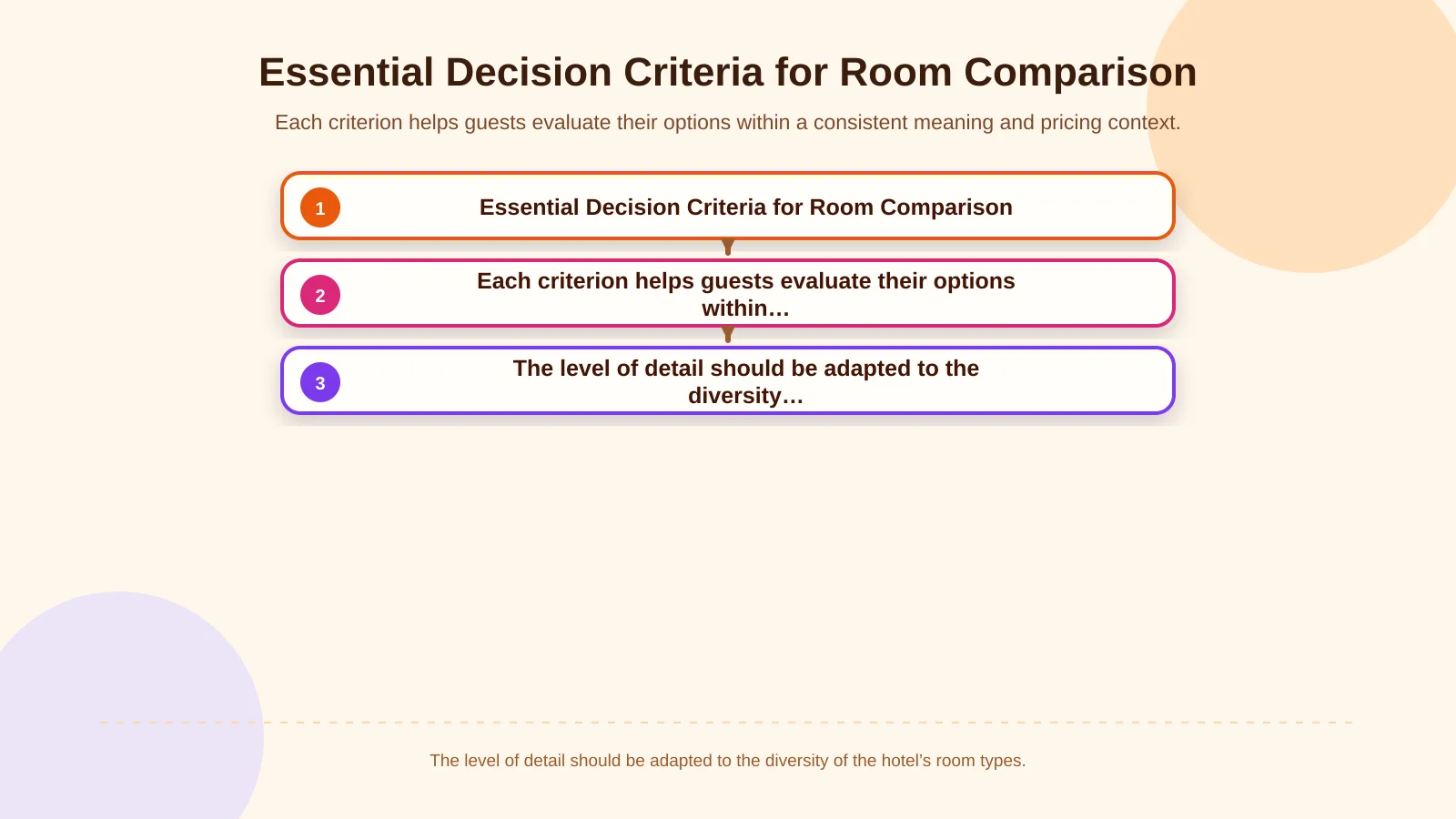
Not every room attribute belongs in the initial comparison view. The first screen should prioritise information that can genuinely change the decision, while secondary details can remain expandable. The terminology used on room cards, detail pages and within the booking engine must also remain consistent.
| Decision area | Information to show | Ambiguity to avoid |
|---|---|---|
| Occupancy | Adult and child capacity, bed configuration | Only displaying a “sleeps 3” label |
| Physical features | Room area, balcony, view | Undefined claims such as “premium” |
| Amenities | Distinctive services and accessibility features | Using icons without explanatory text |
| Price and conditions | Total price, inclusions, cancellation deadline | Presenting a nightly rate as the total cost |
Occupancy and bed configuration
A label such as “sleeps three” is not sufficiently precise. State how many adults and children the room can accommodate and whether a cot or extra bed is available on request, subject to availability or charged separately. “One king bed and one sofa bed” is more useful than a generic three-person capacity label. If connecting rooms are offered, clarify whether the connection is guaranteed or only requested.
Size, view and location
Room area should be calculated and presented using the same method across every category. Balconies, terraces, view types, floor information and distance from the main building should appear under standard labels when they influence the choice. Photography and descriptions must also support each other: a partial sea view should not be visually or verbally presented as an unrestricted sea view.
Amenities and accessibility
Instead of repeating a long list of amenities for every room, highlight the features that distinguish one option from another, such as a workspace, coffee machine, bathtub or kitchenette. Accessibility information needs greater precision than a generic icon. Explain relevant features such as step-free access, doorway width and accessible bathroom facilities, as well as how guests can confirm their requirements before booking.
Price, taxes and cancellation terms
A starting nightly rate must not be confused with the total cost of the stay. For the selected dates and occupancy, show the total price alongside taxes, mandatory fees, meal plan and any valid promotion. Refundable and non-refundable rates should be understood as different conditions for the same room—not presented as if they were separate room categories. Replace vague wording such as “flexible” with the final time for free cancellation and the charge that applies afterwards.
Decision flow from room discovery to booking
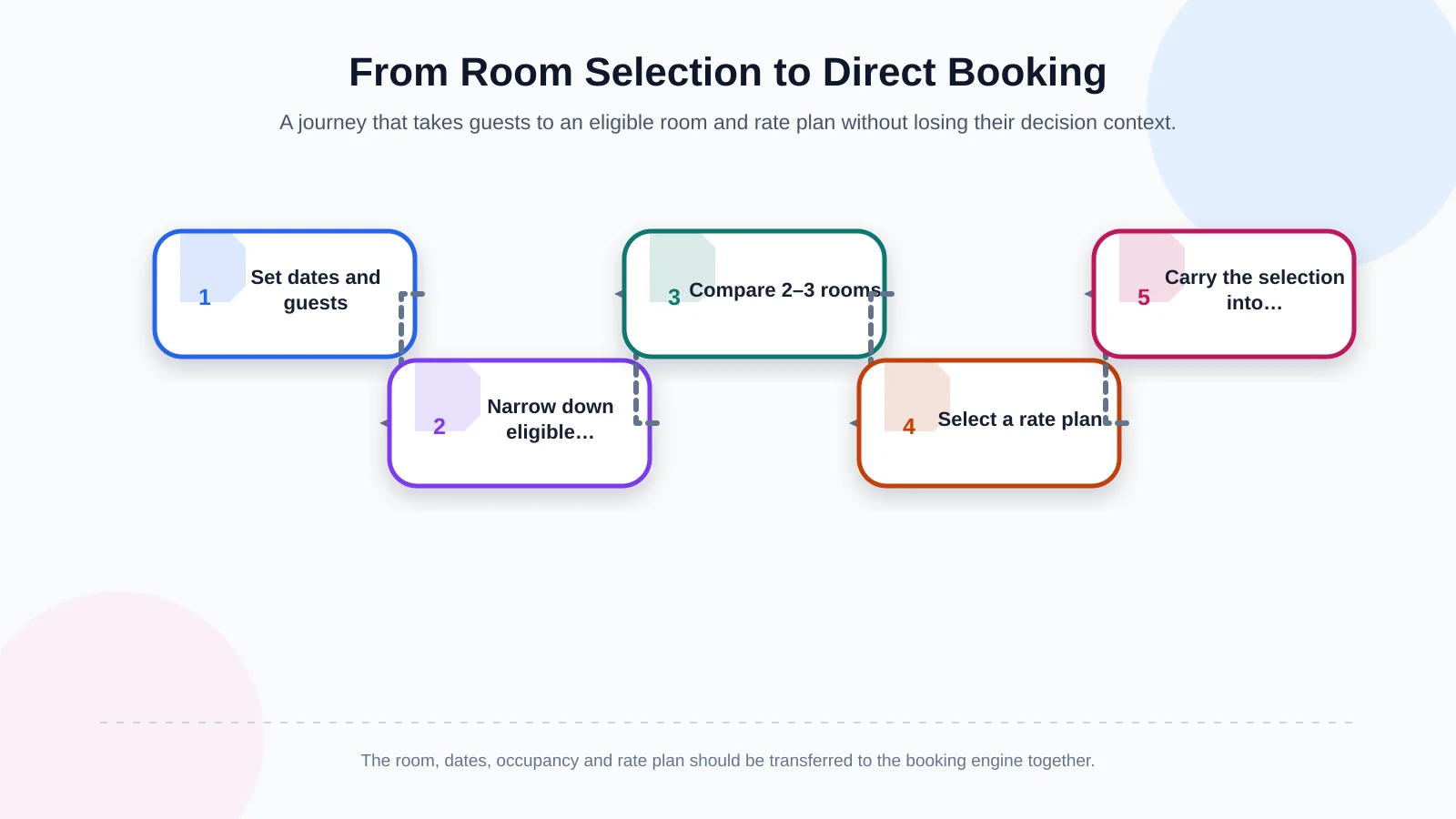
If room comparison is designed independently from search results, guests may struggle to connect their choice with the room later displayed in the booking engine. When dates, number of guests and children’s ages can be collected at the beginning, capacity and pricing should be calculated in that context. If dates have not yet been selected, clearly identify any displayed amount as an example or starting price.
Guests should be able to add two or three rooms from the results to a comparison, inspect their key differences and then select an eligible rate plan. The booking action should carry the room code, dates, occupancy and chosen plan into the booking engine. Asking people to enter the same information again—or showing their selection under an unfamiliar name—creates doubt at a critical moment.
The hotel must define which system is the authoritative source for room details, prices and availability across the booking engine, property management system, channel manager and central reservation system. Google explains that hotels can work with a connectivity partner to send rates and other data for free booking links. This reinforces the need for consistent room and pricing information across the hotel website and external distribution channels; the available approaches are outlined by Google for Developers’ hotel connectivity partner guidance.
How should a mobile room comparison interface be designed?
Shrinking a wide desktop table does not create a usable mobile experience. On a small screen, a swipeable comparison between two room cards, fixed attribute labels or a view that displays differences only may be easier to understand. As guests move between rooms, they should retain their place and know which option they are reviewing. The total price and primary booking action should remain easy to find.
Images should not occupy the entire screen, yet they must be large enough to communicate meaningful physical differences. Opening a gallery should not cause visitors to lose their position in the comparison. Controls such as “Show differences only,” “View details” and “Select this room” need distinct labels and sufficiently separated touch targets.
WCAG 2.2 addresses meaningful content order, alternatives to colour-only communication, keyboard accessibility and target size, among other usability considerations. Room features should not be represented solely by coloured ticks and crosses; selected states should also be communicated in text, and every control should have an accessible name. The detailed criteria are available in the W3C Web Content Accessibility Guidelines 2.2. These requirements should be incorporated into the hotel’s broader custom web design system rather than added at the end.
How should content management and integrations be planned?
The accuracy of the comparison screen depends on the data model before it depends on the interface. Each room should have structured fields for its marketing name, system code, occupancy rules, bed options, area, views, amenities, accessibility information and media. Attributes buried in long descriptions cannot be filtered or compared reliably.
The content management interface should make it clear which information is maintained on the website and which is controlled by the booking engine or another operational system. When a room name or capacity changes, related languages, filters and system mappings must be checked. If price and availability come from a real-time service, define caching rules, error states and the message shown during an outage.
For multilingual hotels, localisation includes more than translating attributes. Units, currencies and price formats must suit the market. If visitors can change currency, explain the nature of the exchange rate, the currency ultimately charged and any potential difference. Promotional copy should be connected to the underlying pricing rule so that an expired benefit does not remain visible on a room card.
Performance, security and failure scenarios
High-resolution room photography, live rate queries and third-party booking components can make a comparison page slow. Images should be delivered at suitable dimensions, off-screen media loaded carefully and comparison actions prevented from generating unnecessary network requests. Google’s Core Web Vitals assess loading experience with LCP, responsiveness with INP and visual stability with CLS. The metrics and the approach used to establish their thresholds are explained in the web.dev Core Web Vitals guide.
Real-user monitoring should cover search results, comparison, rate selection and the handoff to booking—not only the homepage. A late-loading price that shifts a button can cause a guest to open or select the wrong room. Performance is therefore a matter of decision and transaction integrity, not merely a technical score.
Do not request personal information that is unnecessary during comparison. Transfer booking data over secure connections, keep integration credentials out of client-side code and apply role-based access in administration tools. If the pricing service fails, never present an old rate as current. Explain the situation and offer a safe retry or support route.
How should success be measured?
Clicks alone cannot determine whether room comparison is successful. Track the percentage of comparison users who select a room and enter the booking engine, the number of rooms compared, use of the differences-only view, occupancy conflicts and abandonment after errors. Where possible, completed direct bookings can be connected to earlier steps through an anonymous session or transaction identifier.
Define analytics events and their properties before development begins. Events such as “added to comparison,” “removed from comparison,” “opened rate plan” and “continued to booking” can be assessed by device, language and hotel context. The measurement plan should reveal decision bottlenecks without collecting unnecessary personal data.
Before launch, test solo travellers, couples, different family groups, guests seeking accessible rooms and visitors using different currencies. Testing must cover more than the ideal journey. It should verify what happens when a room sells out, a price changes, an integration responds slowly or a guest returns to an earlier step.
How do you scope a custom room comparison experience?
Hotels do not all need the same comparison template. A boutique property with a small number of clearly differentiated rooms may need only a concise comparison. A resort or group offering many rooms, villas, connecting units, packages and rate plans may require more detailed filters, eligibility rules and system integrations.
Scope the room inventory, meaningful decision criteria, booking engine handoff capabilities, content ownership, languages, currencies, performance targets, security controls and analytics requirements together. Kumsal Agency combines web design tailored to a hotel’s visual world with custom software and integrations developed around real guest tasks and business goals. The journey from discovery through comparison to booking can consequently operate as one fast, mobile-friendly, manageable and measurable experience.
Evaluate your hotel’s room types and current booking journey with Kumsal Agency to scope a comparison experience that supports direct bookings. The first phase should produce an actionable roadmap defining what guests will compare, which systems will supply the data and how each selection will be carried into the reservation process.