


Aydınlatma metni yükleniyor…
Web banner design is more than the visual showcase of a campaign. It is a functional digital touchpoint that must capture attention quickly, communicate value clearly and guide the user towards a relevant next step. A successful banner should therefore be evaluated not only by how attractive it looks, but also by its message, context, technical performance and contribution to measurable business goals.
Making a banner larger, brighter or more animated will not automatically improve its click-through rate. Within a few seconds, users need to understand whether the offer is relevant to them and what they will find after clicking. The more dependable approach is to define the campaign goal, select one compelling value proposition, present it through a clear visual hierarchy and improve the result using observed user behaviour.
Start web banner design with a campaign goal
Before designing the banner, clarify the action it should encourage. The objective might be to introduce a product, drive traffic to a category, announce a promotion, generate registrations or bring users back to an abandoned basket. Each objective requires a different message, call to action and destination page.
Do not assess success through clicks alone. A high click-through rate can be misleading if visitors immediately leave the landing page or do not progress towards purchase. Alongside CTR, identify metrics closely connected to the campaign objective, such as landing-page engagement, add-to-basket activity, completed forms, qualified sessions and conversion rate.
Define the audience and placement context
A first-time homepage visitor will not expect the same message as a shopper comparing options on a product page. New visitors may need a clearer explanation of the benefit, while existing customers may respond to a price advantage, a new collection or a personalised recommendation.
Document where the banner will appear, which stage of the customer journey it supports and which traffic sources will bring users to it. This context determines how much explanation is necessary and how direct the CTA can be. It also helps prevent a generic creative from being placed across every page despite serving very different user intentions.
How to write a banner message that earns clicks
An effective banner communicates one main idea. Use the headline to state the product category, customer benefit or nature of the offer. If supporting copy is necessary, it should add a useful decision-making detail—such as delivery, duration, eligibility or scope—rather than repeat the headline.
A specific offer such as “20% off selected running shoes” helps users anticipate what they will see more accurately than a vague claim such as “An offer you cannot miss.” Google Ads similarly recommends focusing on customer benefits, making the offer clear and using calls to action that describe the intended action. Its practical recommendations are available in the Google Ads guide to responsive display ads.
Make a promise and keep it on the landing page
The product, campaign terms and price presented in the banner should remain visible after the click. If the banner promotes “New-season women’s coats,” it should lead to the relevant collection rather than a generic homepage. Continuity in imagery, wording and offer details builds confidence and reassures users that they have reached the right place.
This consistency is particularly important in e-commerce, where a banner may influence a journey extending from product discovery to checkout. Misaligned pricing, expired campaign language or an unrelated destination may still generate a click, but it weakens trust and reduces the likelihood of conversion.
Guide attention with a clear visual hierarchy
Decide the order in which users should process the banner: primary image or headline, value proposition and CTA. Size, position, colour, spacing and contrast should support that sequence. Giving every element equal prominence creates visual competition and makes the offer harder to understand at a glance.
- Keep the headline concise and position it where it can be read immediately.
- Remove decorative details that do not help explain the product or service.
- Use sufficient space around the CTA to separate the interactive area.
- Keep the logo visible without allowing it to compete with the main message.
- Avoid placing important copy directly over busy, highly detailed imagery.
Balance brand consistency with visibility
A campaign banner should not abandon the brand’s visual language merely to attract attention. Colour, typography, photography, icons and motion should remain consistent with the wider digital identity. At the same time, brand colours should not be applied mechanically when they reduce readability or disappear into the surrounding interface.
Kumsal Agency’s Art Director-led digital design approach treats banners as part of a connected customer experience rather than isolated promotional posters. Brand-specific creative concepts, campaign systems, motion principles and interface decisions should work together across the website and e-commerce journey.
How should CTA copy and design work?
The CTA describes the next step being offered to the user. Replace context-free commands such as “Click” with outcome-oriented language such as “Explore the Collection,” “View the Offer,” “Try It Free” or “Book an Appointment.” The wording should correspond to an action users can actually complete on the destination page.
No button colour guarantees success on its own. What matters is whether the button can be distinguished from its background and neighbouring elements. Under WCAG guidance explained by W3C, normal-sized text should generally reach a contrast ratio of at least 4.5:1, while large text should reach at least 3:1. The thresholds and relevant exceptions are detailed in the W3C guidance on minimum contrast.
Make the clickable area unambiguous
A button should look interactive and remain visually distinct from body copy and decoration. On mobile devices, small touch targets and controls placed too close together can cause accidental taps. If the entire banner is clickable, visual behaviour should still communicate that interaction. Keep a prominent CTA so the intended action remains clear rather than forcing users to guess.
Treat mobile banner design as a distinct composition
Simply shrinking a desktop banner often produces unreadable copy, weak hierarchy and badly cropped images. Create dedicated compositions for square or vertical spaces. Preserve the focal point of the product image, shorten the message where necessary and position the CTA within an area that is comfortable to reach by thumb.
For responsive layouts, test the banner within its actual page container instead of relying only on device width. Navigation, cookie notices and fixed promotional bars can all reduce the usable space above the fold. Review the design across different phone widths, landscape orientation and enlarged text settings. A banner is not genuinely responsive if it technically fits the screen but loses its message or interactive clarity.
Banner performance is part of the user experience
A banner must load quickly as well as communicate quickly. Oversized image files, unnecessary video layers and uncontrolled animation can delay the appearance of primary content. If the banner is the largest element above the fold, it may directly affect Largest Contentful Paint.
For a good user experience, web.dev recommends an LCP of 2.5 seconds or less for at least 75% of visits. It also advises making the critical image discoverable early from the HTML source. Implementation guidance is provided in the web.dev guide to optimising LCP.
- Deliver imagery at suitable dimensions and in an efficient modern format.
- Prepare responsive image sources for different display sizes.
- Avoid unnecessary lazy loading for the primary above-the-fold banner image.
- Define banner dimensions in advance to reduce layout shifts.
- Keep motion brief, purposeful and respectful of user preferences.
Improve click-through rates systematically with A/B testing
In an A/B test, compare a control with a variant containing one meaningful change. Headlines, offer framing, product imagery, CTA copy or layout can each be tested separately. If several elements change at once, it becomes difficult to explain which decision produced the result or repeat that learning in another campaign.
Define the primary metric, sample approach and intended duration before launching the test. Avoid stopping after a few unusually strong or weak days. The test should account for relevant variations across weekdays, weekends and traffic sources. Review results by segment as well: a composition that works on desktop may perform very differently on mobile.
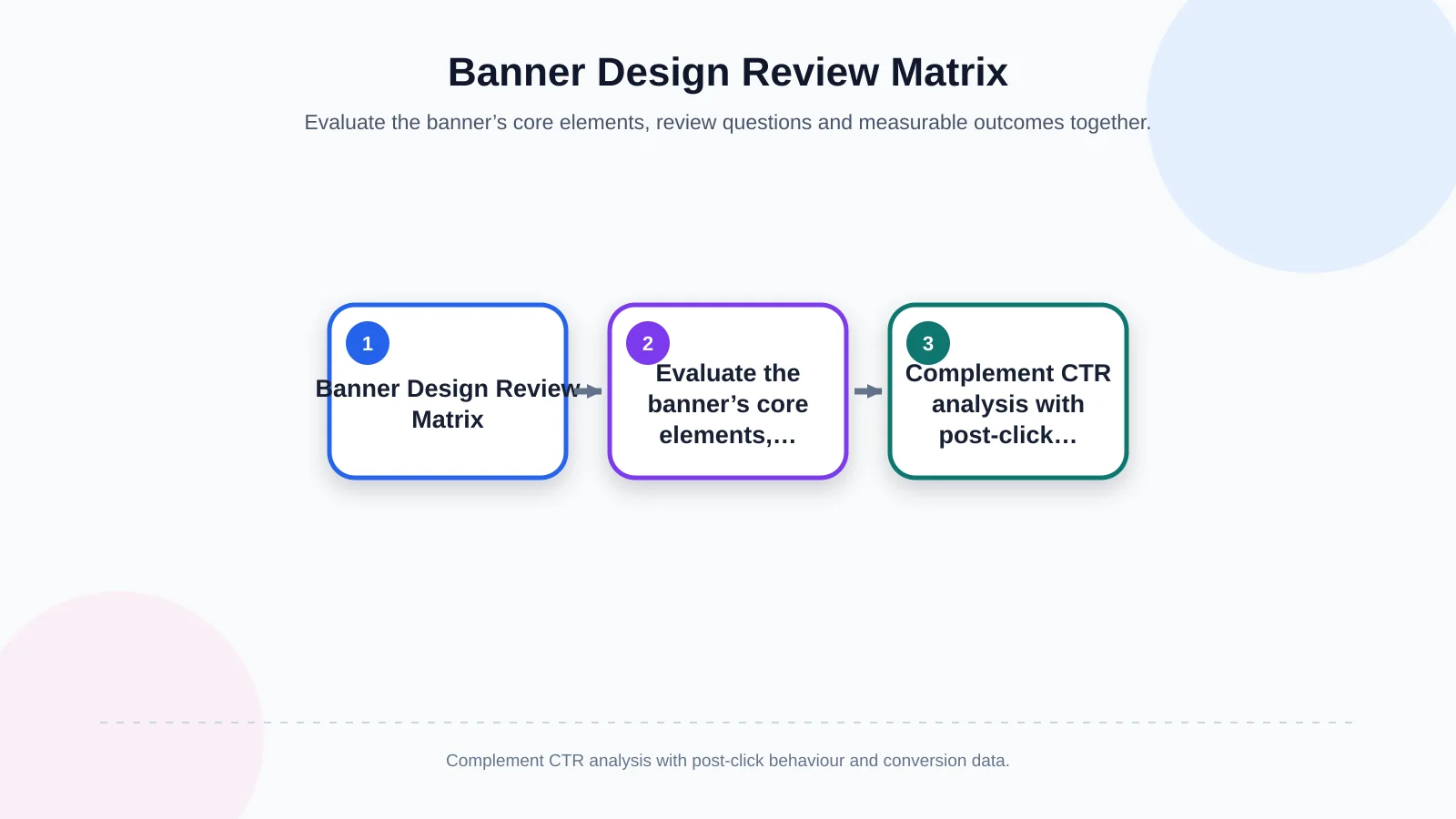
| Test area | Review question | Primary indicator | Next decision |
|---|---|---|---|
| Headline | Is the benefit immediately clear? | CTR | Keep or simplify the message |
| CTA | Are the action and outcome clear? | CTA clicks | Change the wording or visibility |
| Image | Does the product remain the focal point across screens? | Engagement rate | Revise the crop or composition |
| Landing page | Does the page continue the banner’s promise? | Conversion rate | Align the content and destination |
| Mobile experience | Are the copy and touch target usable? | Mobile CTR and conversion | Redesign the mobile variant |
CTR is not a sufficient measure of success on its own
Always examine post-click quality alongside click-through rate. One variant may attract more clicks while producing fewer sales, completed forms or qualified sessions. Curiosity-driven copy can lift CTR but damage campaign efficiency and brand trust if the landing experience does not fulfil its promise. The winning variant should therefore be the version that makes the strongest contribution to the actual business goal, not necessarily the one with the largest raw click total.
Common web banner design mistakes
- Trying to promote several campaigns and CTAs within one banner.
- Using a brand slogan in place of a meaningful customer benefit.
- Styling the CTA as a low-contrast or purely decorative element.
- Automatically scaling a desktop composition down for mobile screens.
- Creating a disconnect between the banner offer and landing-page content.
- Ignoring animation speed, file size or accessibility preferences.
- Measuring CTR without evaluating post-click engagement and conversion.
A practical banner design process
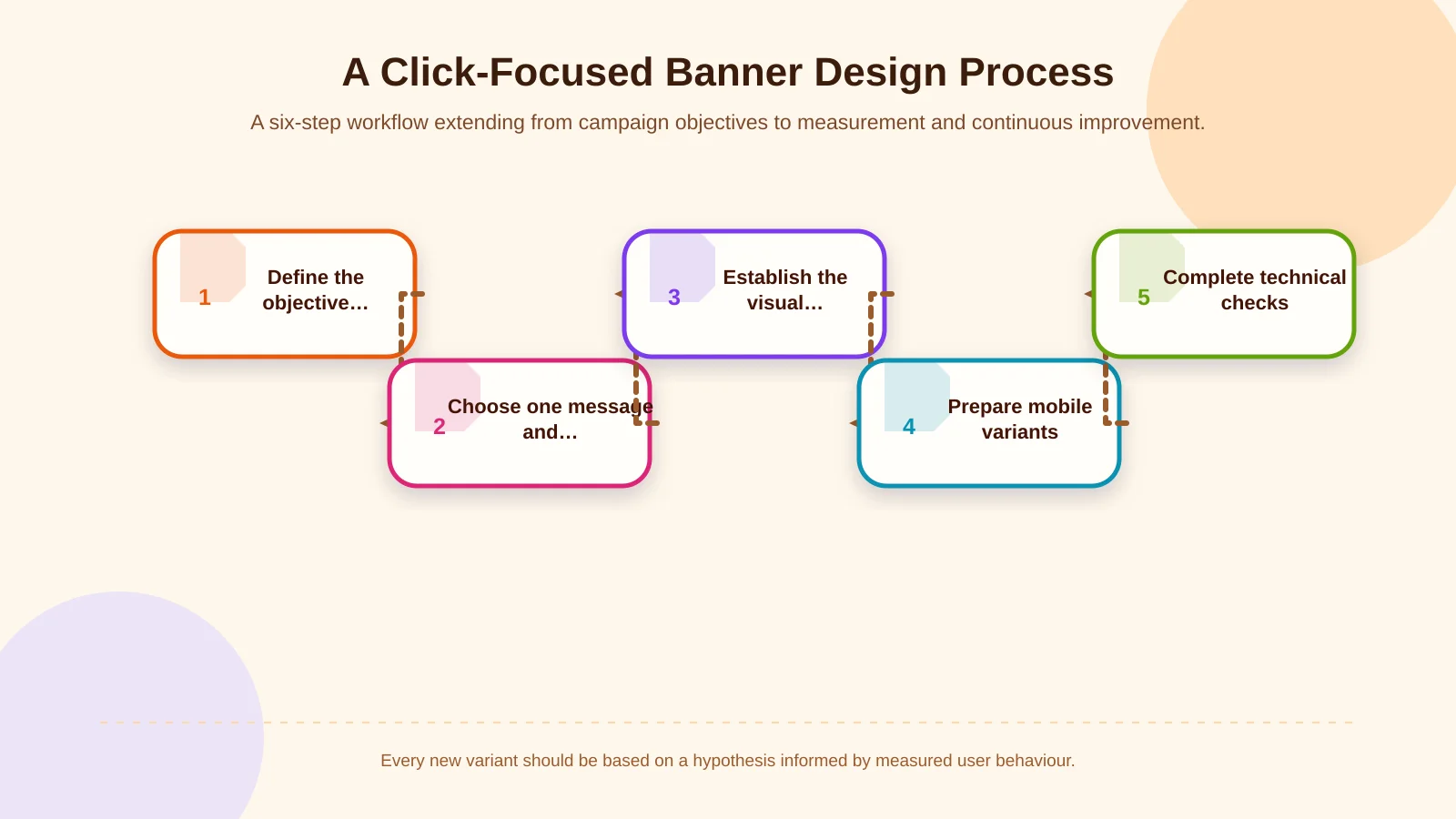
A dependable process begins by defining the campaign objective, audience and placement context. The team then selects one value proposition and one primary CTA. Designers establish the information hierarchy, prepare variants suited to different screen sizes and check that the banner continues naturally into the destination page.
Before launch, test readability, contrast, touch targets, image cropping, loading performance, link destinations and analytics tags. After launch, observed behaviour should inform the hypothesis behind each new variant. In this way, banner production becomes an evolving campaign system rather than a one-off visual delivery.
Make banners part of a connected digital experience
A banner capable of improving CTR has a clear purpose, a specific message, a strong hierarchy, a visible CTA and a comfortable mobile experience. Its full value, however, emerges only when the post-click journey continues the same promise through a fast, relevant and understandable destination.
Shared success criteria help design, web development, analytics and campaign teams maintain that continuity. Kumsal Agency combines research-led digital brand consulting, Art Director-led creative design and project-specific web development. For banner designs aligned with your brand, audience and campaign goals—and integrated with the wider web or e-commerce experience—contact Kumsal Agency.