


Aydınlatma metni yükleniyor…
Why is a digital design system more than a UI library?
For most B2B companies, the digital product landscape extends far beyond a single corporate website. A dealer portal, customer dashboard, B2B e-commerce platform, ERP-connected operations interface and mobile application may all represent the same brand. When each channel is designed independently, the differences affect more than colours, buttons and form fields. User roles, transaction names, validation messages, approval rules and feedback patterns also begin to diverge. The result is an inconsistent brand experience, repeated development work and an interface inventory that becomes increasingly difficult to maintain.
A digital design system brings visual decisions, experience principles, design tokens, reusable components and usage rules into one shared infrastructure. A UI component library is an important coded output of that system, but it is not the entire system. A mature framework answers not only “What colour should this button be?” but also “Which role can perform this action, when is an additional approval required, and how should the outcome be communicated?”
The starting point should therefore be the shared decisions behind the brand and its product family, not the selection of an off-the-shelf component kit. A comprehensive digital design approach connects visual identity with real user tasks and technical constraints. This turns the design system from a catalogue of similar-looking screens into a common product language for design, engineering and business teams.
What makes design systems challenging in B2B products?
A simple consumer journey may allow a customer to select an item and pay. In a B2B application, dealers, procurement specialists, managers, field teams, finance employees and system administrators may access the same records with different permissions. Orders above a threshold may require approval; prices may depend on customer contracts; and inventory, account balances and shipment data may originate in an ERP. The interface architecture must make these rules visible and understandable without overwhelming the user.
An order card, for example, needs more than a consistent appearance. Its contract should define states such as draft, awaiting approval, rejected, transferring to ERP, partially shipped and cancelled. Each state may require a label, semantic colour, explanation, permitted actions, loading behaviour and recovery path. Without a shared model, teams can interpret the same business process differently across products.
Enterprise interfaces also rely heavily on dense tables, advanced filters, bulk actions, document uploads and long forms. Fast desktop workflows and mobile readability can require different behaviours from the same component family. A design system should not erase these differences. It should provide channel-appropriate variants governed by common principles.
The core layers of a design system
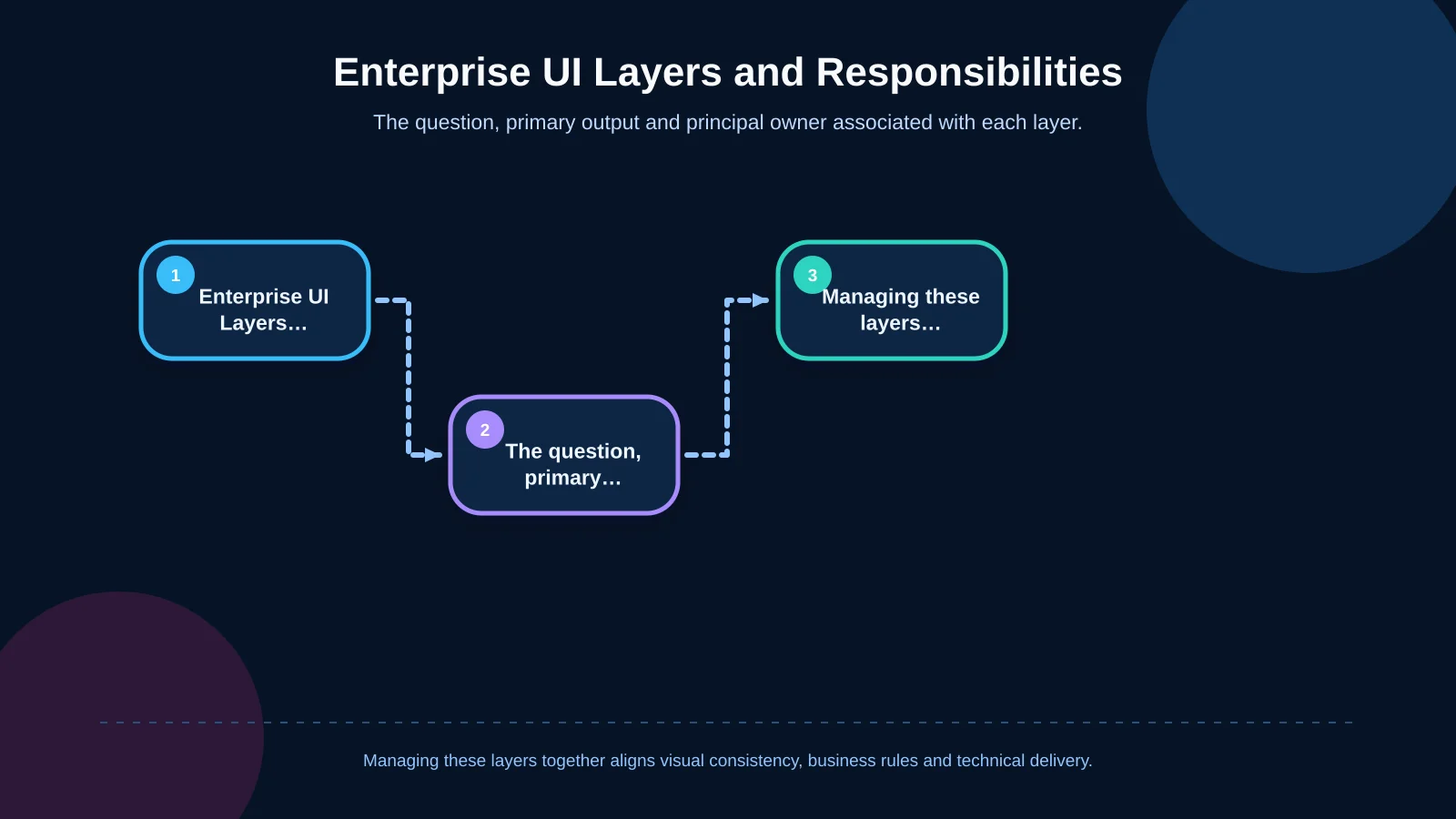
| Layer | Question it answers | Primary output | Principal responsibility |
|---|---|---|---|
| Principles | How do we make decisions? | Experience rules | Brand and product |
| Tokens | How do we name decisions? | Colour, dimensions and typography | Design and engineering |
| Components | How does the interface behave? | Variants and states | UI design and front-end |
| Patterns and templates | How is the workflow structured? | Quotation, order and approval flows | Product and business teams |
Principles and shared terminology
The first layer consists of concise, actionable principles that guide product decisions. Rules such as “Make the result of an action visible,” “Explain permission boundaries” and “Provide a recovery route for critical actions” are more durable than aesthetic preferences. Shared terminology matters just as much. Order, quotation, customer, dealer and approval should have consistent meanings across the organisation. If an ERP record called an “account” is described as a “customer” by sales and a “company” in the portal, teams must determine whether these labels represent one entity and establish a preferred term with contextual guidance.
Design tokens
Design tokens give names to decisions such as colour, spacing, typography, corner radius, shadow and motion duration. Raw scales such as “blue-500” are useful foundations, but enterprise systems also need a semantic layer: “text-primary,” “surface-warning” or “border-focus.” Semantic names allow a brand refresh or dark theme to be introduced without rewriting every component individually.
The Design Tokens Community Group format defines a shared file structure for exchanging token decisions between tools. It can reduce manual copying between design software, web codebases and mobile applications. However, a standard format cannot repair a poorly classified system. Token architecture must still reflect the organisation’s product logic and naming conventions.
UI components, patterns and templates
Buttons, input fields, checkboxes and badges are foundational components. When a search field is combined with a filter panel, or a product row with a quantity control, they form higher-level patterns. Templates then demonstrate how components and patterns support real workflows such as creating an order, comparing quotations or assigning user permissions. Separating these levels prevents the component library from filling up with oversized elements that work on only one screen.
How should enterprise UI component architecture be built?
Begin by inventorying real interface examples according to function, rather than merely collecting screenshots. Group buttons that perform the same action, cards that display the same data and messages that describe equivalent errors. Prioritise candidates for standardisation by usage frequency, business criticality, accessibility risk and repeated engineering effort.
Next, define a contract for each component. Document its purpose, accepted data, variants, sizes, states, events and accessibility behaviour. An enterprise data table might support sorting, filtering, pagination, row selection, empty results, loading, errors and restricted fields. That does not mean every domain requirement belongs in one universal table. Keep the structural table separate from an order table that applies purchasing rules, permissions and status logic.
Design and code representations must then follow the same conceptual model. Variant names in design files should correspond to properties used in React or React Native. Components should be displayed in isolation and tested with realistic data, long labels, multiple languages, narrow viewports and error cases. Storybook’s component-driven workflow supports independent development, documentation and inspection of states that may be difficult to reproduce inside a complete application.
Finally, establish versioning and distribution. Classify releases as visual fixes, backward-compatible features or breaking API changes, then publish package versions and migration notes accordingly. Web and mobile products can share visual language without forcing platform components into one codebase. A shared token source and behavioural principles preserve consistency while separate packages respect platform conventions.
Design system implementation roadmap
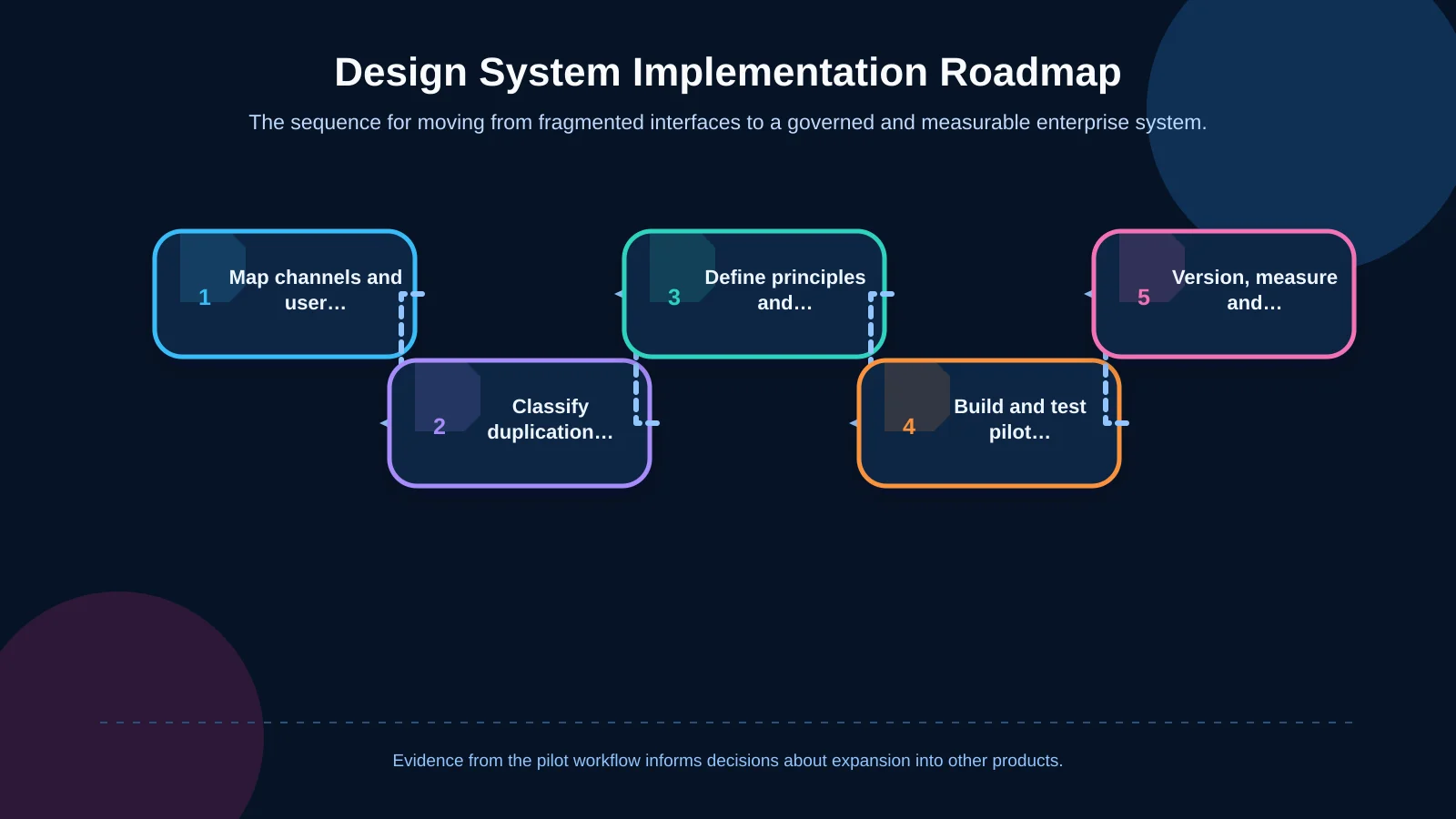
A design system should not be treated as a complete redesign that must be finished in one release. Start with a frequently used workflow that produces measurable problems. A pilot such as quotation creation or order approval can test foundational tokens, form components, data presentation and state management together.
- Map web, mobile and portal channels, user roles and critical workflows.
- Classify existing components, duplication and inconsistent states by business impact.
- Define brand principles, shared terminology and semantic design tokens.
- Build the pilot components, states, accessibility criteria and code contracts.
- Establish testing, versioning, contribution and ownership before expanding to other products.
Do not judge the pilot only by whether stakeholders like its appearance. Track the time required to create a new screen, component reuse, interface-related defects, accessibility findings and the time teams spend locating documentation. These indicators reveal whether the system has entered daily practice or remains a presentation artefact.
Accessibility, interface states and cross-channel consistency
Accessibility is not a final inspection added after a component is complete. It belongs in the component contract. Keyboard operation, focus order, visible labels, accessible names, error descriptions and screen-reader feedback should be defined during design. WCAG 2.2 provides criteria relevant to consistently identified components and perceivable interface states.
Colour alone should never communicate that an item is approved, selected or invalid. Pair it with text, an icon or another distinguishable indicator. In data-heavy interfaces, selected rows, keyboard focus, errors and disabled states need sufficient contrast and clear differentiation. An accessible colour system should therefore assign functional roles to the brand palette and test combinations across normal, hover, focus, active and disabled conditions.
Cross-channel consistency does not require pixel-identical components. The name, risk level and outcome message for an action can remain consistent while navigation, touch targets and native selection controls adapt to each platform. The goal is not to generate immutable screens; it is to generate coherent decisions.
Governance and team responsibilities
A design system without ownership quickly becomes outdated. A small core team can include representatives from brand, product design, front-end development, mobile development and quality assurance. Its role is not to design every screen. It manages standards, reviews contributions and explains the impact of incompatible changes.
When a team requests a new component, it should first test whether an existing component can solve the problem. A genuinely reusable need can then enter the system with an example, target roles, state list, accessibility expectations and technical dependencies. Design, code, tests and documentation should be treated as parts of the same deliverable.
ERP-connected products also require explicit system boundaries. When an interface says “Order approved,” users must know whether this means approval in the portal or successful registration in the ERP. Considering enterprise resource planning alongside interface architecture helps teams model statuses, permissions, data ownership and integration failures accurately.
How should success be measured, and which mistakes should be avoided?
Success cannot be measured by component count alone. Adoption, feature delivery time, duplicated code, design-to-development discrepancies, accessibility findings and completion rates for critical user tasks should be evaluated together. A large library that product teams rarely use may be comprehensive on paper but operationally inefficient.
Common mistakes include reducing the system to a visual style guide, attempting to cover every requirement in the first release, embedding domain-specific rules in foundational components and leaving documentation inside design-file notes. Another risk is mandating adoption without management support or a workable migration path. The system must make everyday delivery easier and provide a transparent decision route for justified exceptions.
Building a practical design system with Kumsal Agency
Kumsal Agency combines digital brand consulting with Art Director-led digital identity and interface-system design. By bringing corporate web design, custom web software, B2B e-commerce and React Native mobile application capabilities into one framework, the agency helps translate design decisions into components that teams can build, test and maintain.
The engagement can include an audit of existing channels and components, mapping user roles and workflows, establishing token architecture, designing a pilot component set, defining the coding approach, documenting integration boundaries and setting up governance. The objective is not to apply a generic UI package to the brand. It is to unite the organisation’s real operations, distinctive identity and technical infrastructure in a sustainable product language.
Let’s evaluate your digital channels, user roles and workflows together and create a design system roadmap suited to your brand and technical environment—one that can be implemented consistently across web and mobile products.