


Aydınlatma metni yükleniyor…
For conferences, summits, seminars, launches and corporate gatherings, a website is more than a promotional page. It is the central service point where visitors assess the event, explore the agenda, learn about speakers, choose relevant sessions and complete registration. For the event team, it is also the public-facing layer of operations such as content updates, capacity management, application tracking, notifications and reporting.
A successful event website quickly answers four practical questions: What is happening, when and where will it take place, who is involved, and why should someone attend? It must then let an interested visitor register without unnecessary fields, unclear conditions or technical friction. The agenda, speaker directory and registration system should therefore be planned as connected parts of one journey rather than isolated pages.
What needs should an event website address together?
Starting with homepage visuals alone can leave essential requirements undiscovered. Begin by defining the audiences and the tasks each one needs to complete. A prospective attendee evaluates the programme and its value. A registered attendee needs current times, room details and access instructions. A speaker may want to verify a profile and session, while the operations team needs to publish changes quickly.
The scope may include an event overview, dates, venue, agenda, session details, speakers, registration, FAQs and contact information. If in-person, online or hybrid attendance options are available, explain their differences clearly. Depending on the event, the structure may also cover sponsors, travel, accommodation, press materials and livestream access.
A brand-specific web design service should bring these functions together in an experience consistent with the organisation’s visual language. Information architecture must support both early-stage evaluation and practical event-day tasks, without forcing every audience through the same route.
How can the event agenda be made easy to explore?
An event agenda is more than a long chronological list. Attendees may want to browse by day, time, room, subject, format or speaker. For multi-day events or conferences with parallel tracks, useful filters reduce effort and help visitors build a relevant schedule. On mobile screens, readable session cards, persistent day controls and prominent time information may work better than wide tables.
Each session record can include a title, concise summary, start and end time, room or online channel, format, language, speakers and capacity status. Workshops requiring advance booking must be distinguished from open sessions with explicit wording as well as visual indicators. Colour should never carry meaning by itself; categories and availability states should also appear as text.
How should agenda changes be managed?
Times, rooms and speakers may change as the event approaches. Each update should be made in one central record used by the agenda, session page and speaker profile. This reduces the risk of correcting the same time separately in several places. If a session is cancelled or postponed, do not silently remove the old information. Display the new status, the update time and any alternative session clearly.
For search visibility, the event name, date and location should appear in understandable on-page content. Google’s Event structured data guidance explains how properties such as the name, start date and location can be marked up on individual event pages, including start and end dates for multi-day events. Structured data does not replace visible content or guarantee a rich result; it must accurately reflect what visitors can see.
Speaker pages should establish trust and context
A grid of portraits alone does not explain why each person is participating or where they will appear. Every profile should include the speaker’s name, role, organisation, concise biography, area of expertise, accessible portrait and related sessions. Social profiles or personal websites should be verified before publication, and unnecessary link clutter should be avoided.
Biographies benefit from a consistent length and editorial voice, but should not reduce different areas of expertise to generic claims. Portraits should use consistent proportions, useful alternative text and appropriately sized files. When a speaker changes, replacing the image is not enough: check the profile, session relationship, session description and any structured data together.
Connect speakers and agenda sessions in both directions
A visitor should be able to move from a speaker profile to the relevant session and from a session page back to each speaker. If one person appears in several sessions, all relationships should be generated from the same content model. This makes editorial management easier and supports discovery by either topic or name. Brief context on agenda cards and richer explanations on detail pages keep the interface clear without withholding useful information.
How should the attendee registration flow be planned?
Registration turns an interested visitor into a confirmed attendee. The flow may involve choosing an attendance type, entering necessary details, reviewing terms, validating availability and receiving confirmation. Paid events also require payment rules, while free events with limited places need capacity and waitlist logic. Invitation-only events may use a code or approved email domain, but these requirements must be explained before the visitor reaches a dead end.
Ask only for data that is genuinely required for operations. Beyond name and contact details, an event may need organisation, job title, session preferences, dietary requirements or accessibility needs. The purpose and necessity of every field should be reviewed. The W3C’s accessible forms tutorial recommends clear labels, logical grouping, understandable error feedback and dividing long forms into sensible stages.
Labels must remain visible rather than relying on placeholder examples. Required fields should be clearly identified, and an error message should explain what needs correcting instead of merely saying “Invalid.” After submission, show a clear success state and send a verification or confirmation email where appropriate. Server-side safeguards should also prevent duplicate registrations caused by repeated clicks, refreshes or interrupted connections.
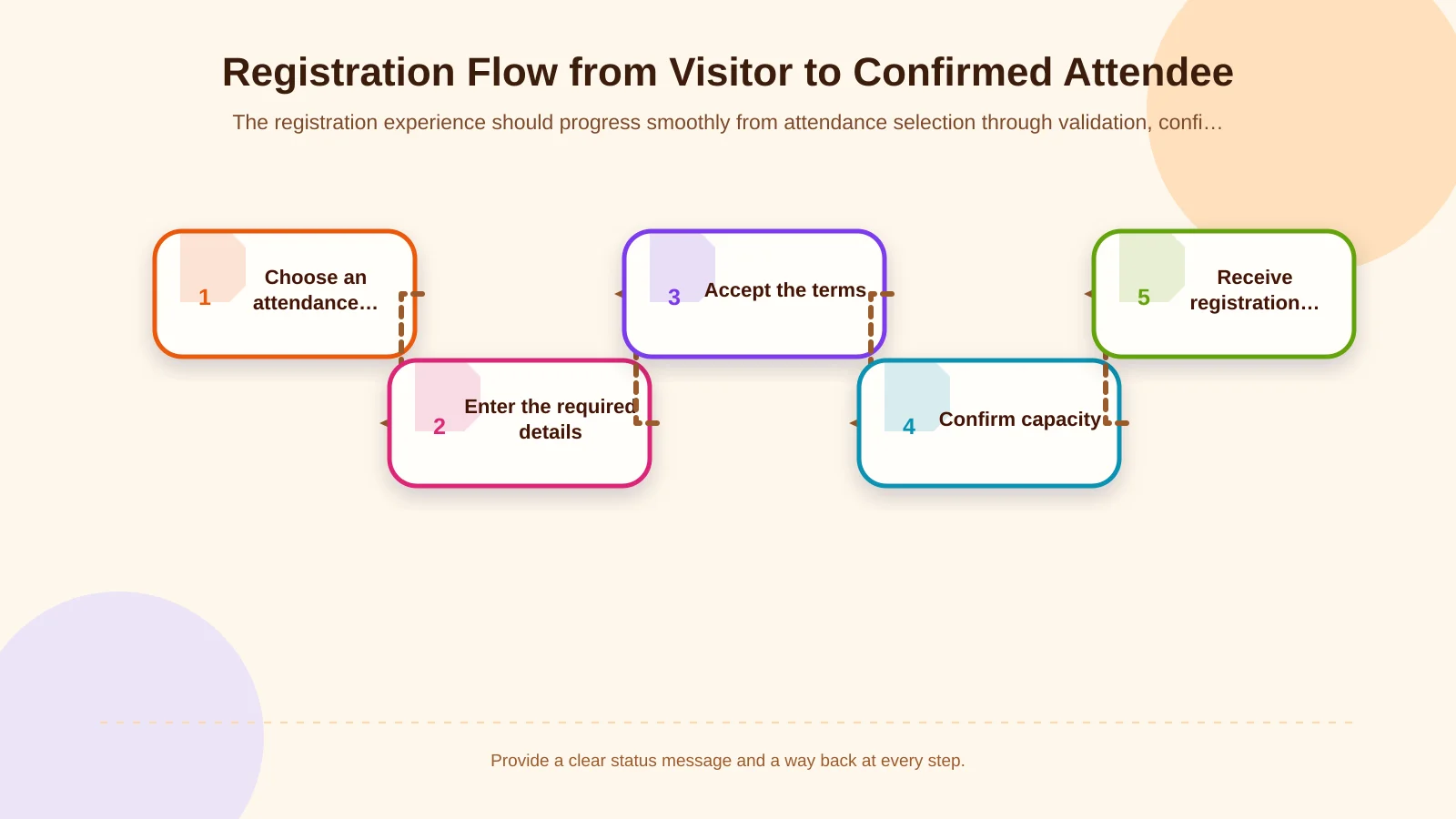
Capacity, waitlist and cancellation scenarios
Capacity may need to be tracked for the whole event and separately for workshops or restricted sessions. Because several people may request the final place simultaneously, availability must be confirmed on the server rather than only in the interface. When no places remain, a clearly explained waitlist is preferable to accepting the form and rejecting the attendee later.
Define whether attendees can cancel their own registration, how an available place is offered to the next person, and how long that person has to respond. Confirmation, reminder, promotion from the waitlist and cancellation messages should use consistent status information. Operations teams also need a controlled way to correct exceptions without losing the history of what changed.
How should the admin panel and operational roles be structured?
The event team should not need a developer for every agenda or profile update. In the administration panel, events, days, rooms, sessions, speakers and registrations can be separate but related content types. Authorised users should add content without disrupting layouts, preview unpublished changes and see who made important updates.
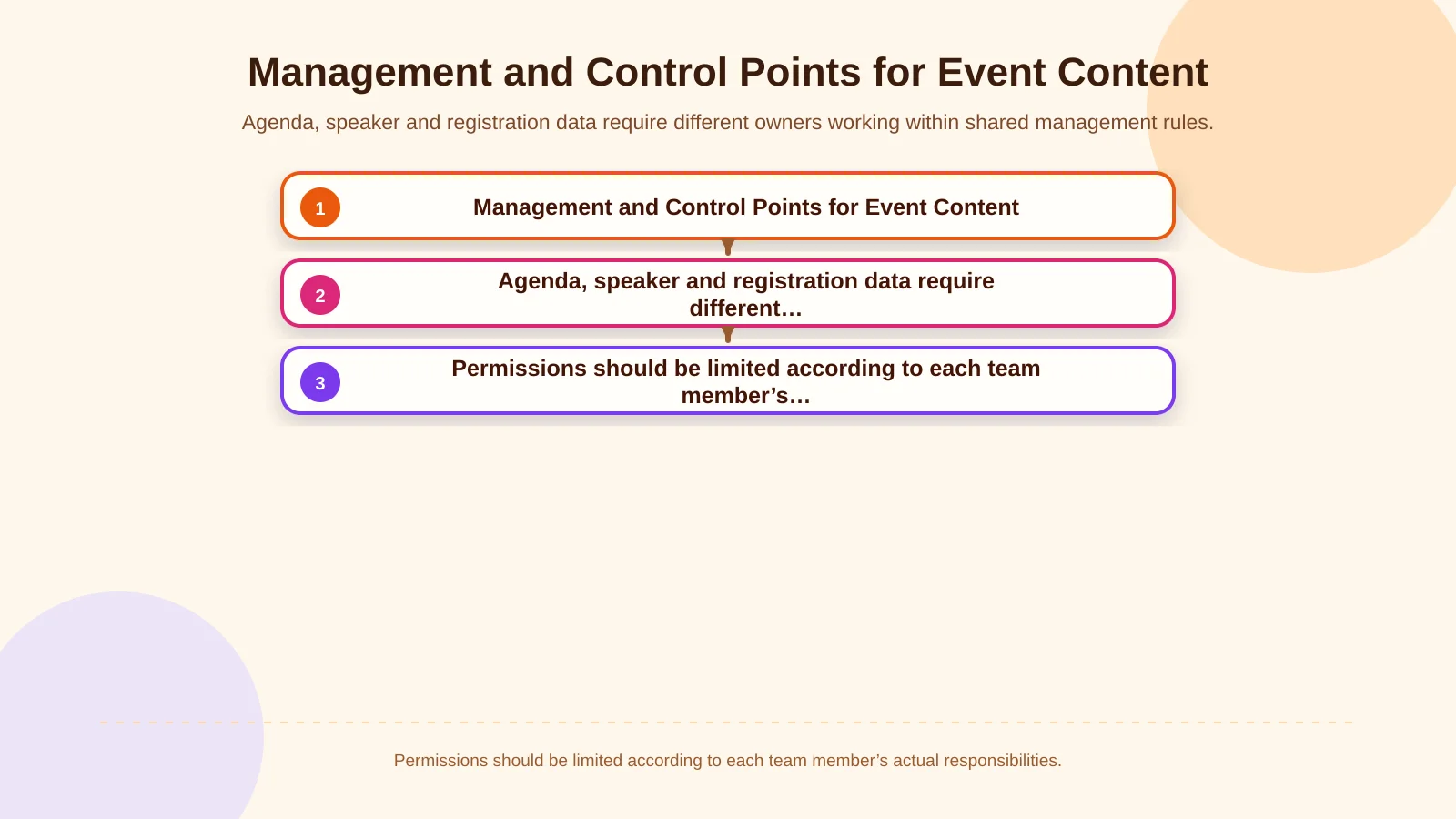
Roles should reflect actual responsibilities. A content editor may manage agenda items and profiles; a registration manager may view attendee records; a technical administrator may control integrations and system settings. Not everyone needs access to personal data or configuration. OWASP’s Broken Access Control guidance highlights measures including deny-by-default access, least privilege, server-side enforcement and logging access-control failures.
Depending on the event, custom web development may be needed. Registration can connect to a CRM, email platform, payment service, QR-based check-in system, livestream or event app. For each integration, document the source of truth, transferred fields, timing, failure behaviour, retry rules and responsible team. An integration is not complete merely because its first successful data transfer works.
| Content area | Core action | Responsible role | Critical control |
|---|---|---|---|
| Agenda | Update sessions and times | Content editor | Conflicts and publication status |
| Speakers | Connect profiles and sessions | Communications team | Approved biography and image |
| Registration | Track applications and capacity | Registration manager | Permissions and duplicate records |
| Integrations | Transfer data and monitor failures | Technical administrator | Logs and retries |
Data security and personal information management
A registration form collects personal information, so the project should define why each field is processed, how long it is retained and who receives it. The privacy notice must be easy to reach. Separate purposes, such as marketing communications, should not be bundled into consent required for event registration. Data minimisation supports both attendee trust and manageable operations.
Administrative systems should be assessed for strong authentication, role-based permissions, secure connections, session controls, backups and audit logs. Exporting attendee lists must also require appropriate authority, and the team should decide how downloaded files are stored, shared and deleted. Test accounts should not expose production attendee data, while support access should be time-limited and traceable where practical.
Mobile experience, performance and accessibility
Attendees often check the agenda on a phone while moving through the venue. Mobile readiness therefore means more than fitting a page onto a smaller screen. Day and filter controls should be touch-friendly, session times easy to scan, room information prominent and form fields configured to open suitable keyboards. Under weak connectivity, essential text and navigation should not depend on large videos or heavy animation.
Keyboard navigation, visible focus states, correct heading order, sufficient colour contrast and alternative text are basic requirements. Error messages should be announced to screen-reader users. Expandable agenda panels and custom selection controls must work without a mouse. Changes to dates, times, rooms or availability should be expressed in text rather than through colour or motion alone.
Measurement and pre-launch acceptance testing
Success should not be measured only through total visits or registration volume. Useful events may include agenda views, filter use, movement from a speaker profile to a session, registration starts, field errors, successful submissions, cancellations and waitlist conversion. Analytics events should not carry unnecessary personal data, and the measurement plan must align with the organisation’s privacy policy and user choices.
Before launch, test agenda filters, time zones, speaker links, validation, duplicate prevention, capacity rules, waitlists, email delivery and administrative permissions on desktop and mobile devices. Trace at least one test registration from the visitor-facing screen through the admin panel and every connected system. Acceptance criteria should also cover cancellations, date or speaker changes, payment failure and integration outages—not only the ideal journey.
How should an event website project begin?
A reliable project starts with a shared requirements document covering the event type, audiences, agenda structure, registration rules, user roles, integrations and publication timetable. The team can then define the information architecture and user flows, evaluating interface concepts with realistic session, speaker and registration content. Development, content entry, approval and testing responsibilities should have clear owners and dates.
Kumsal Agency approaches an event website as a digital experience shaped around brand language, attendee needs and real operational requirements—not merely as a visually attractive announcement page. Its Art Director-led creative approach is combined with project-specific web software, manageable content structures, integrations, mobile usability and data-security priorities.
For a website planned around your event’s agenda, speaker and attendee-registration requirements, contact Kumsal Agency.