


Aydınlatma metni yükleniyor…
Long application forms are used to collect detailed information and supporting documents for recruitment, dealer onboarding, memberships, finance applications, support programmes and corporate customer registration. Asking users to complete dozens of fields in one session, however, increases the risk of abandonment and data loss when time runs out, a connection drops, a document is unavailable or the user changes devices.
A save-and-resume experience is more than a “Save draft” button. It is an end-to-end product decision covering when data is saved, how users prove their identity, which rules apply at each step and how incomplete applications are managed. A successful design reassures users that their work is safe while giving operations teams complete, current and traceable records. User experience, data modelling, document management, permissions, notifications, integrations and security must therefore be planned together.
Why do long application forms need save and resume?
Applicants rarely have every required detail available at the same time. A candidate may need to find a diploma, a prospective dealer may have to request a tax document from accounting, or a corporate customer may need an authorised signatory to approve a declaration. If the form ignores this reality, users may enter temporary information, restart the same application or abandon the process altogether.
Draft saving turns interruption into an expected part of the journey. Users can leave without worrying about losing completed work and return to the latest reliable version. The organisation can monitor incomplete applications as a distinct status, send appropriate reminders and identify the steps where users most frequently leave. The feature consequently improves both user convenience and operational visibility.
Design the application journey around business rules
Begin by modelling the process rather than drawing screens. Define who can apply, whether several people may edit one application, which documents are mandatory, the submission deadline, review roles and the systems that receive the final record. Separate what applicants, dealer managers, employees, reviewers and system administrators can view or change.
A dealer application, for example, may include company information, authorised contacts, financial details, documents and agreement stages. If the applicant and authorised signatory are different people, the verification and approval journey must reflect that distinction. Ownership, handovers and exceptions should be documented before interface decisions are made.
Do not leave the status model ambiguous
“Draft” is rarely sufficient on its own. A process may require statuses such as awaiting documents, awaiting user confirmation, submitted, under review, correction requested, approved, rejected, expired and withdrawn. For every status, define who may act, which notification is triggered and whether the record is transferred to another system. Simple labels shown to applicants can sit above more detailed operational sub-statuses.
Transitions also need explicit rules. A submitted application should not silently return to draft, and a reviewer’s correction request should reopen only the relevant sections. Recording the previous status, new status, responsible actor and timestamp creates an audit trail that helps both support teams and compliance reviews.
How does a reliable save-and-resume journey work?
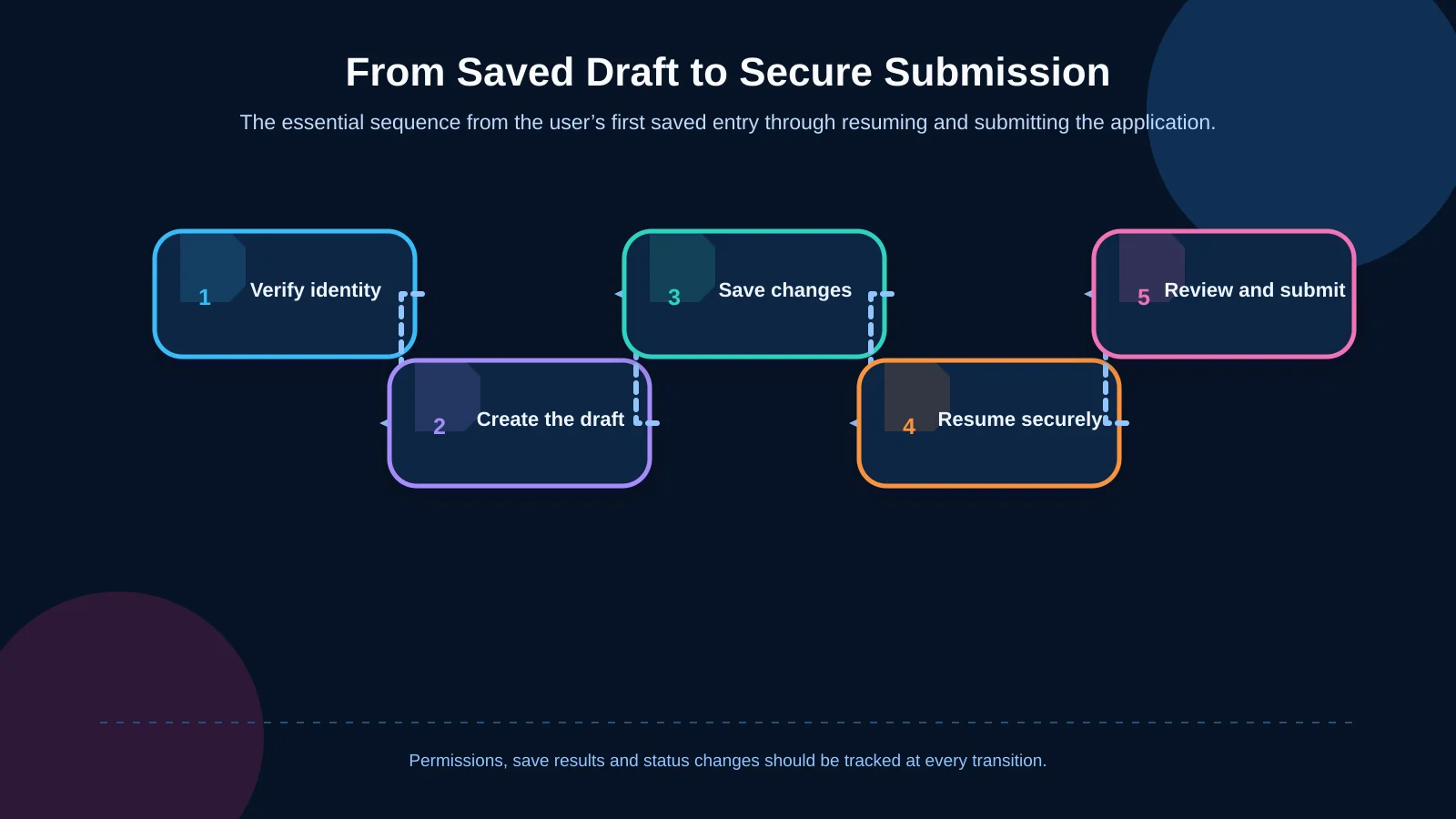
After the first meaningful information is entered, the system should create a reliable draft identifier. In an account-based model, the draft belongs to a verified user account. If an account-free start is necessary, use email or phone verification with an expiring, single-use and unpredictable access link. A sensitive application must never be accessible through an easily guessed application number alone.
Saving should be visible and predictable. Automatic saving during step changes, periodic saving after edits and a clear manual save option can work together. The interface should show the time of the last successful save. If saving fails, it must not falsely reassure the user that the data is secure. Repeated requests should not create duplicate drafts or documents, and concurrent sessions need a version policy that protects the newest valid changes.
On return, users should see completed steps and the next required action. Instead of directing them to the first empty field without context, provide a concise summary such as “Identity details complete; financial document missing; agreement awaiting approval.” If the draft will expire, display the date and explain what expiry means for the application.
Cross-device continuity also matters. A user who begins on a phone and resumes on a laptop should find the same saved state after secure authentication. Session expiry, revoked links and account recovery must lead to understandable recovery paths rather than an unexplained loss of access.
Separate step-level validation from submission checks
Requiring every mandatory field before saving a draft defeats the purpose of save and resume. Users should be able to preserve progress without inventing information they do not yet have. Problems that can be fixed immediately, such as a malformed email address, impossible date or unsupported file type, can still be shown at field level.
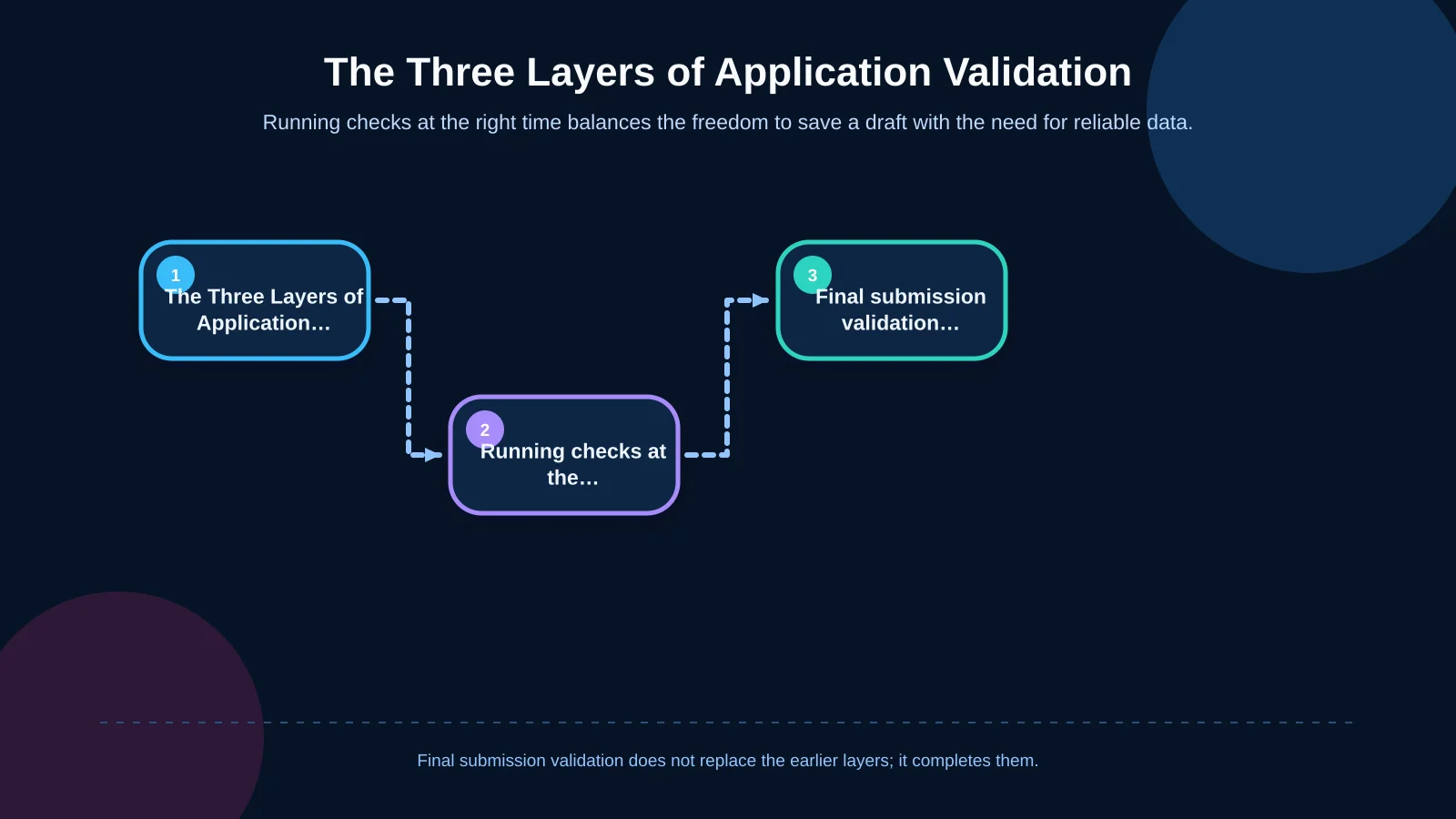
Three validation layers are useful. Field validation checks formats and basic rules. Step validation checks whether the current section has the information required to mark it complete. Final submission validation checks the consistency of the entire application, mandatory documents and declarations. Before submission, users should receive a linked error summary that takes them directly to each issue.
Error messages should identify the problem and the required correction in plain language. They should remain available to keyboard and screen-reader users and must not rely only on colour. The W3C accessible forms tutorial provides a practical framework for organising long forms into logical steps, labelling controls and helping users correct errors.
| Layer | When? | What does it check? | User outcome |
|---|---|---|---|
| Field | During data entry | Format and basic rules | Explanation beside the error |
| Step | When moving to the next step | Required information in the section | Complete missing items and continue |
| Final submission | When submitting the application | All fields, documents and declarations | Linked error summary |
Treat document uploads as part of the application journey
A document upload is not a generic file field added at the end. For each document, explain accepted formats, maximum size, page or file limits, whether it is mandatory and any validity-date requirement. Show upload progress and allow a failed transfer to be retried without affecting the rest of the form. Users should see the file name and status, access a safe preview where appropriate and replace the document before submission.
On the server, acceptance must not depend on the filename extension alone. Apply file-size and content validation, generate safe filenames, scan for malicious content and store files under policies that prevent unauthorised access. The OWASP File Upload Cheat Sheet recommends allowlisted file types, application-generated names, size limits and, where possible, storage outside the web root.
Document states should be distinguishable from application states. A file may be uploading, received, scanning, accepted, rejected or superseded. This prevents a successfully transferred but unsafe or unreadable file from being mistaken for an approved document.
Plan secure access, roles and the data lifecycle
Application portals may process identity, contact, financial or commercially sensitive information. Applicants should see only their own records, while operations staff should access only the information required by their duties. Least privilege, role-based access, robust session management, multifactor authentication and audit logs for administrative actions should be selected according to risk.
Sensitive actions may require reauthentication even when a session is active. Password recovery must not become an easier route into the application than normal sign-in, and repeated login attempts should be restricted. The OWASP Authentication Cheat Sheet covers recovery, reauthentication, multifactor authentication and protections against automated attacks.
Define the data lifecycle before launch. Decide how long drafts remain available, what happens at expiry, when information is deleted or anonymised and which submitted version becomes the official record. Reflect the organisation’s privacy and retention policies in the interface, and avoid collecting data that the process does not genuinely require.
Manage notifications, deadlines and abandonment carefully
Notifications should clarify the next action, not pressure users. A draft confirmation can explain the secure return method, last save time and completion deadline. Reminders should be measured. Correction messages should identify which section reopened and why, while submission confirmation should provide the application number and explain what happens next.
Do not place sensitive form data in email or SMS messages. Links should expire, and account-based journeys should require users to sign in again. Respect communication preferences and the organisation’s legal basis for messaging. Keep delivery records to prevent duplicate notifications for the same event. Operations teams should be able to filter failed messages, drafts nearing expiry and applications with prolonged inactivity.
Build the operations panel and integrations around ownership
The back-office experience is as important as the applicant interface. Staff should be able to filter applications by status, date, channel, owner, missing document and last activity. Authorised employees should be able to request corrections, reopen only the necessary steps and review the application history. Critical changes should record old and new values, the responsible person and the time.
When the portal connects to CRM, ERP, HR, document-management or identity services, define which system owns each data element. Sending every draft edit downstream may create noise and conflicting versions. In many cases, queuing only submitted and verified applications produces a cleaner result. If a transfer fails, the applicant should not have to submit again; secure retries, an exception queue and an operational alert should handle recovery.
Kumsal Agency approaches these requirements through custom web development shaped around the organisation’s data model, user roles and real workflow rather than a generic form template.
Include mobile usability and accessibility details
A long form does not become mobile-friendly simply because its columns become narrower. Each step should contain a limited, meaningful task. Touch targets must be comfortable, the correct keyboard should open for each field, and upload status must remain visible. Users may need to capture documents with a phone camera, yet they should still understand progress and errors on a slow connection.
Progress indicators should not depend on colour alone; completed, incomplete and error states also need text. Test keyboard operation, focus order, labels, error links, screen-reader announcements and zoom. When conditional fields appear, focus should not jump unexpectedly, and previously entered information must never disappear without warning.
What should the testing and measurement plan cover?
Happy-path testing is insufficient. Test starting on a phone and continuing on a computer, session expiry, network interruption, opening one draft in two tabs, uploading oversized or invalid files, resubmitting after a correction request and recovering from integration failure. Verify that every role is prevented from accessing another user’s records.
Submission rate alone can be misleading. Track draft creation, abandonment by step, return-and-completion rate, completion time, validation errors, upload failures, correction requests and operational handling time. Never send sensitive field values or document names to analytics tools. Turn the findings into a regular improvement cycle covering form copy, step order, accessibility and technical performance.
Pre-launch checklist
- Are user roles, application ownership and collaborative editing rules defined?
- Are draft, submission, correction, approval and expiry states explicit?
- Do automatic and manual saving behaviours provide accurate feedback?
- Are field, step and final submission validation separated?
- Are file types, size limits, malware scanning and storage policies defined?
- Are return links and sessions secure, expiring and revocable?
- Do notifications explain the next action without exposing sensitive data?
- Do integrations have clear ownership, retry and exception rules?
- Have mobile, accessibility, connection-loss and permission scenarios been tested?
- Do draft retention, deletion and audit periods match organisational policy?
Plan a save-and-resume portal around your real workflow
A strong long-form experience gives users the freedom to pause while protecting data quality and process control. Form steps, draft saving, validation, uploads, roles, deadlines, notifications and integrations should operate as one product architecture. A structure reflecting real operations can improve completion while making back-office work more manageable and traceable.
Kumsal Agency is an Istanbul-based digital agency that combines business processes, user needs, data structures and integration requirements in custom portal projects. To analyse your application stages, user roles, document requirements and current systems, and plan a save-and-resume portal suited to your brand and workflow, contact Kumsal Agency.